

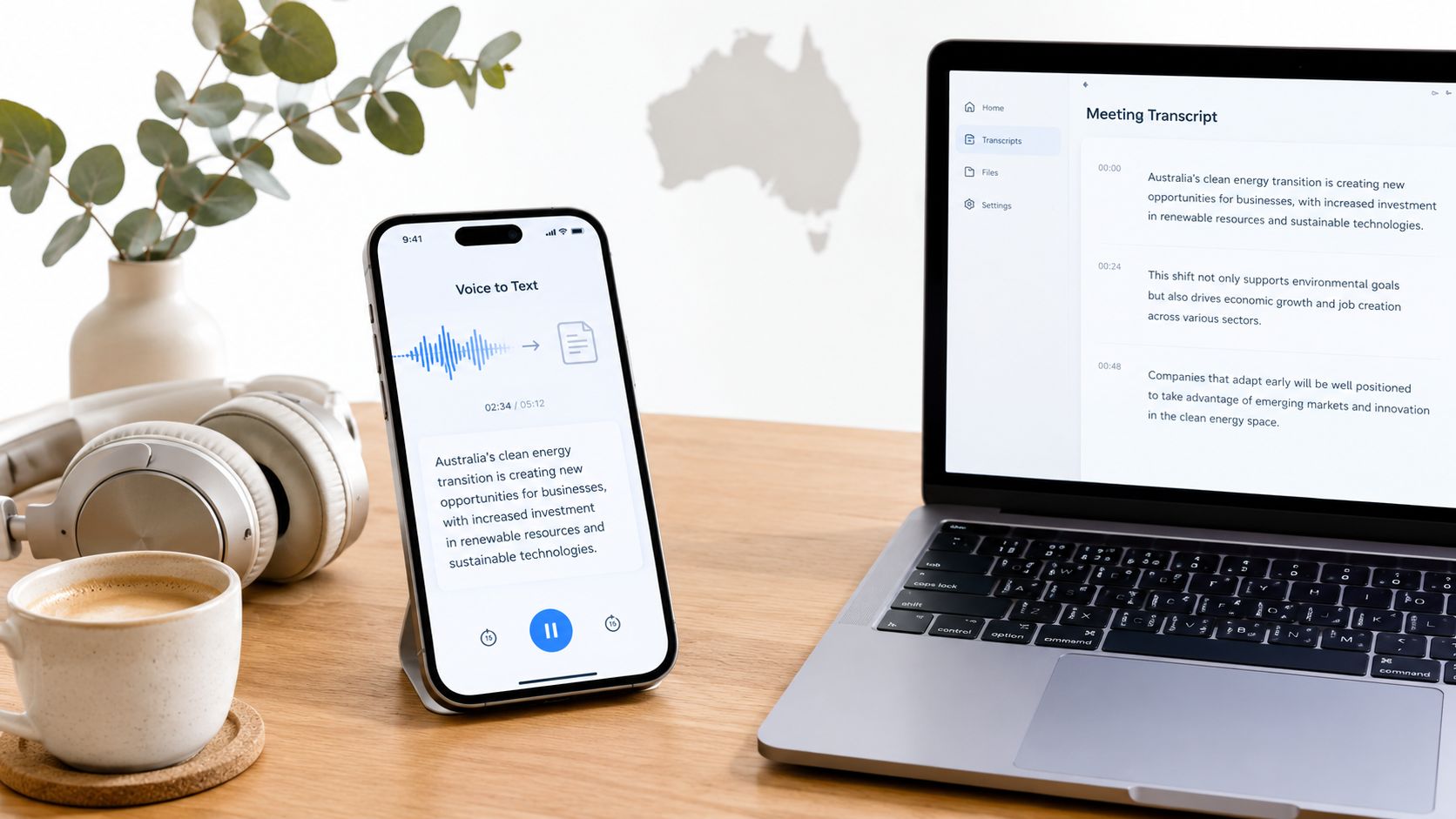
An Australian journalist has just finished a noisy interview at a café, a student is leaving a lecture with pages of half-formed notes, and a creator is staring at an hour of audio that still needs to become a publishable video. An audio to text app can turn that recording into something searchable and editable, but the best choice depends on more than transcription speed.
Accent handling, background noise, speaker separation, device support, internet access and privacy expectations all affect the result. So does the output you need. A rough transcript for finding a quote is a different job from publication-ready copy, captions for a broadcast package or an accessible government video.
Australia already has a strong mobile audio habit. In 2024, 61% of people used an app for voice calls in the previous six months, while 98% used a mobile phone for calls and 96% used one for texts, according to the Australian Communications and Media Authority's communication findings. That creates a practical audience for transcription, note-taking and accessibility tools, not just voice calling.
This roundup compares accuracy, languages, speaker identification, iOS and Android access, web and desktop workflows, offline capability, pricing structure, AUD billing, data handling, exports and real Australian use cases. Independent benchmark material that includes Australian accents also shows why buyers should test their own recordings rather than trust a generic accuracy promise, as Appen's benchmark discussion illustrates.
The short version is simple: cloud apps win on convenience and collaboration, while local tools win when recordings shouldn't leave your device. Prices, app-store billing and plan limits can change, so verify current Australian terms before subscribing.
Table of Contents
- 1. WhisperAI.com
- 2. Otter.ai
- 3. Rev Voice Recorder and Transcription
- 4. Sonix
- 5. Happy Scribe
- 6. Descript
- 7. Notta
- 8. Microsoft Word Transcribe
- 9. Google Recorder on Pixel phones
- 10. Trint
- 11. MacWhisper and the Whisper transcription family
- Top 11 Audio-to-Text Apps Comparison
- How to Choose Your Audio to Text App
1. WhisperAI.com
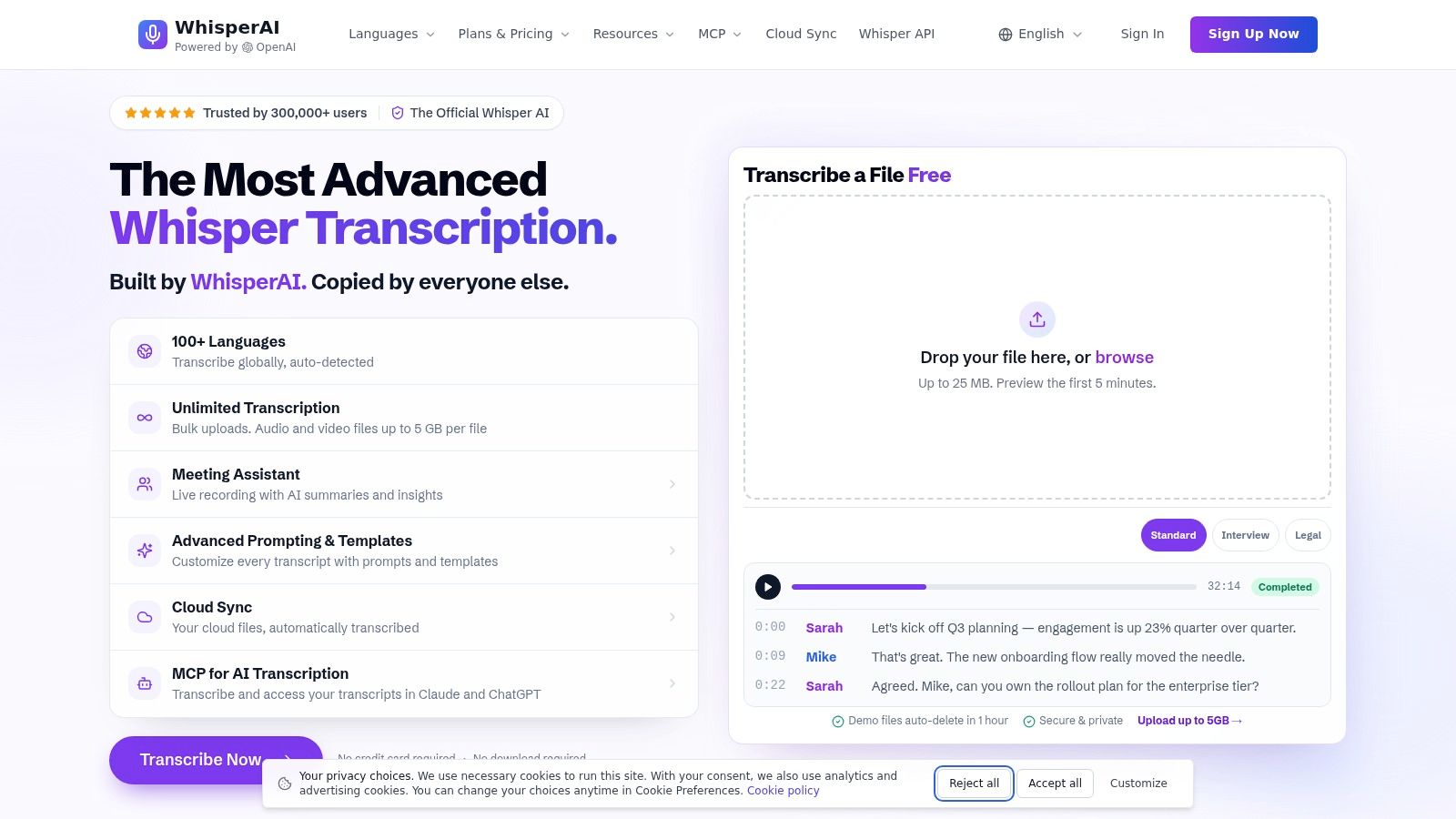
WhisperAI.com is the strongest all-rounder here for people who need more than a quick meeting transcript. It combines browser-based transcription, live recording, translation, speaker labelling, summaries and exports in one workflow. The service is built on OpenAI's Whisper model and supports transcription across 100+ languages, making it useful for multilingual interviews, international teams and Australian organisations working with varied speech communities.
The browser workflow is particularly practical for long recordings. Users can upload audio or video files up to 5 GB per file, process multiple files in bulk and export results as DOCX, PDF, TXT or SRT. That means a newsroom can move from interview audio to an editable document, or from a video recording to subtitles, without manually splitting a large event recording first.
Where WhisperAI.com earns its place
The searchable editor is more important than the initial transcript. You can edit inline, rename speakers, search the recording and work with timestamps at word and sentence level. Automatic diarisation helps separate a conversation, while custom vocabulary and per-file instructions give you a way to protect names, technical terms and industry language that a general-purpose transcript might mishandle.
The live meeting assistant adds real-time transcription, summaries and action items. Presets for interviews, legal, medical, financial, technical and customer-support material also make the product feel more adaptable than a basic upload-and-download converter. They won't remove the need for review, especially with overlapping Australian speakers or poor microphones, but they give editors a more useful starting point.
Best fit: Choose WhisperAI.com when you need large-file handling, multilingual output, subtitles, searchable editing and repeatable team workflows in one service.
There are trade-offs. It's a cloud application, so sensitive recordings need a careful review of retention, deletion and access settings. The breadth of features can also be more than a student needs for a single lecture. For publishers, agencies and teams processing interviews at scale, however, unlimited transcription options on higher plans, team workspaces and an API make the workflow easier to standardise than a collection of disconnected tools.
2. Otter.ai
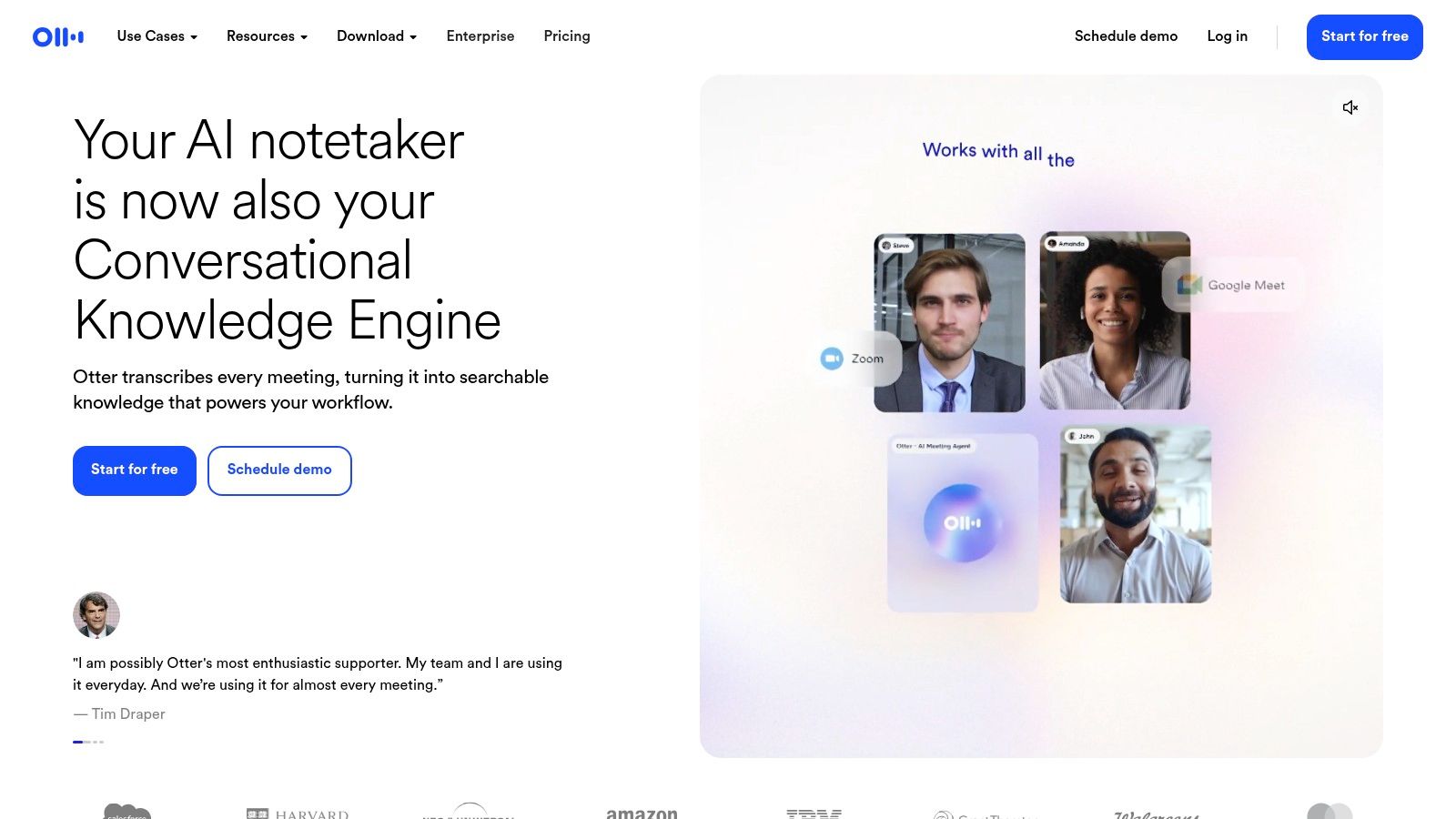
Otter.ai feels designed for the moment a meeting is happening, not just the file left behind afterwards. Its web, iOS and Android apps provide live transcription, searchable notes, speaker identification and shareable meeting records. Journalists can use it for quick interview notes, while students can search a lecture instead of scrolling through an unstructured recording.
The meeting integrations are the main attraction. Otter.ai can capture or import meetings from Zoom, Google Meet and Microsoft Teams, then add summaries, highlights and links for people who weren't present. That makes it easier to distribute decisions and follow-up points without sending everyone a full recording.
What works and what doesn't
Live transcription is generally more useful than a delayed transcript when you need to check a name or flag a point while people are still talking. Cross-device sync also means you can start on a phone and continue reviewing on the web. For productivity-focused readers, it sits naturally alongside practical technology habits that make digital work less fragmented.
The weakness is crosstalk. When people interrupt each other, diarisation can assign a sentence to the wrong speaker, and the clean meeting summary can conceal an attribution error. Paid tiers also control advanced collaboration features, so teams should check whether their intended sharing workflow is included.
Otter.ai is a sensible recommendation for live meeting notes and collaboration. It isn't the best choice when offline capture, strict local processing or publication-ready verbatim copy matters more than convenience.
3. Rev Voice Recorder and Transcription
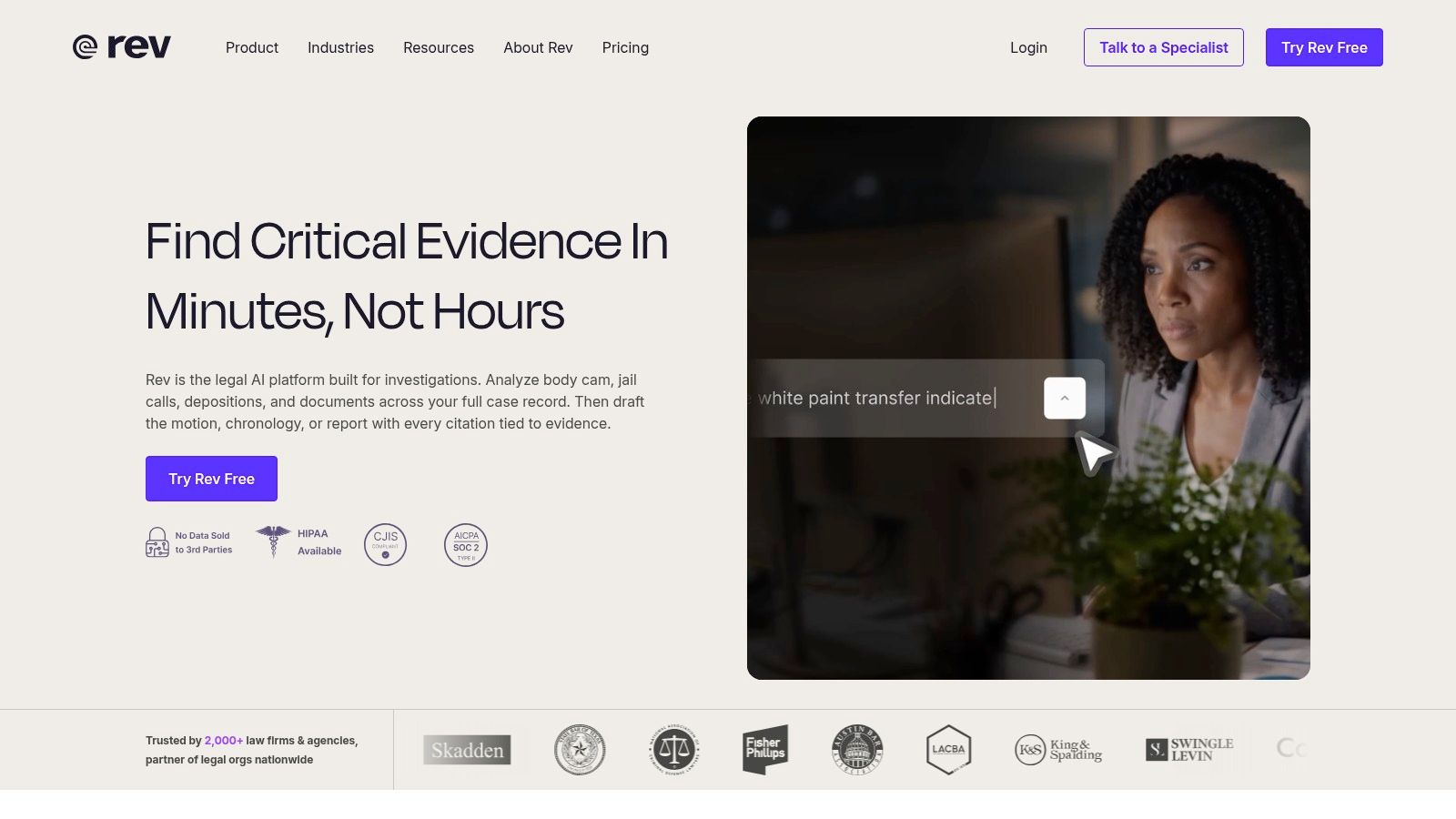
Rev takes a useful two-track approach. Its iOS and Android recorder app lets you capture audio and order a transcript from the same mobile workflow, while the service offers both automated transcription and human transcription. That distinction matters when the recording contains a legally sensitive statement, a difficult accent, technical language or a quote that will be published exactly.
The AI option is the practical first pass. It's quick and suits internal notes, searchable archives and recordings where a human will rewrite the material anyway. The human option costs more and takes longer, but it gives you a reason to use Rev when an automated transcript isn't good enough for the final job.
When human review is worth paying for
A rough transcript is usually enough to locate a section of an interview. It isn't always enough to publish a quote, prepare a broadcast script or document a complicated conversation. A human transcript can be worthwhile when an unclear word changes meaning, several speakers overlap or the recording includes names and specialist terminology that need careful checking.
Rev also supports captions, subtitles, enterprise options and integrations. Its pay-as-you-go ordering is useful for occasional users who don't want a recurring subscription. The drawback is that the convenience of the AI tier can be misleading if the source audio is noisy or the speakers have accents the system handles poorly.
Keep the original recording. A transcript is a working document, not proof that every word has been captured correctly.
Rev is the clearest pick for high-stakes audio where a human fallback matters. For routine notes, its AI service may be enough. For a difficult Australian field interview, the extra cost of human review can be easier to justify than correcting a serious transcription mistake after publication.
4. Sonix
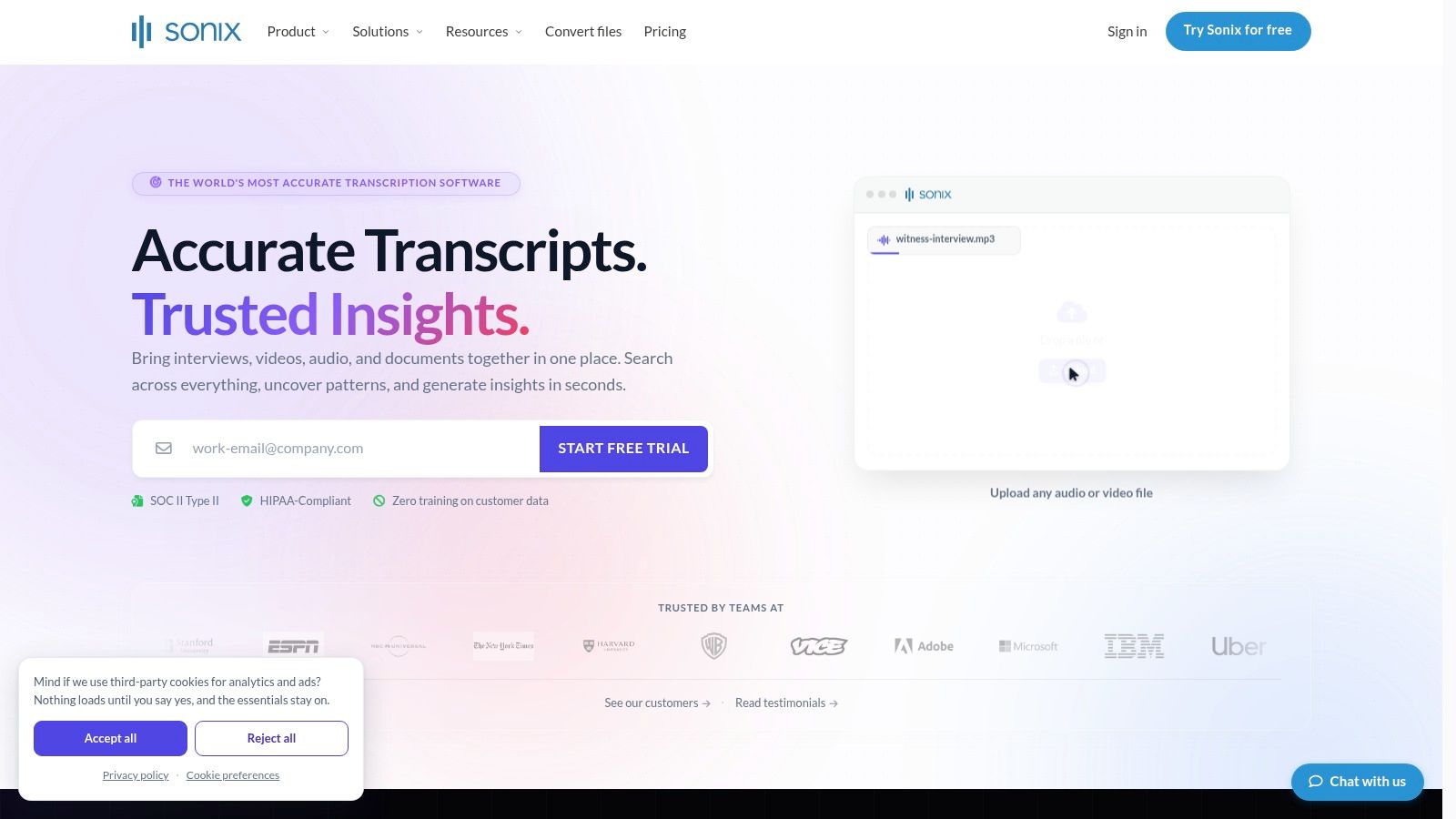
Sonix is a strong fit for creators and newsrooms that want to turn a transcript into a finished media asset. Its browser editor supports automated transcription across 35+ languages, speaker labelling, translation and subtitle exports. The interface puts the transcript beside the recording, so an editor can find a phrase, correct it and use the timing for captions without moving between separate applications.
The flexible pricing model is useful for uneven workloads. Pay-as-you-go suits a freelancer with occasional interviews, while subscription options make more sense for a newsroom processing recordings regularly. That choice is more practical than forcing every user into a large recurring plan.
A good newsroom middle ground
Sonix is particularly useful when a transcript is only one stage in production. A translated transcript can support localisation, while subtitle exports can move a video towards publication. Trainable voiceprints help with speaker identification, although they don't remove the need to review names and attribution manually.
The cloud workflow is also its central limitation. Uploads and processing require an internet connection, which makes Sonix less suitable for remote fieldwork with unreliable access or for users who want recordings to stay on a local computer. Speaker identification can still need cleanup when voices overlap or the source contains interruptions.
The product makes sense for multilingual newsroom production and subtitle work. It's less compelling if you only need a private offline notebook or a simple transcript of a short voice memo.
5. Happy Scribe
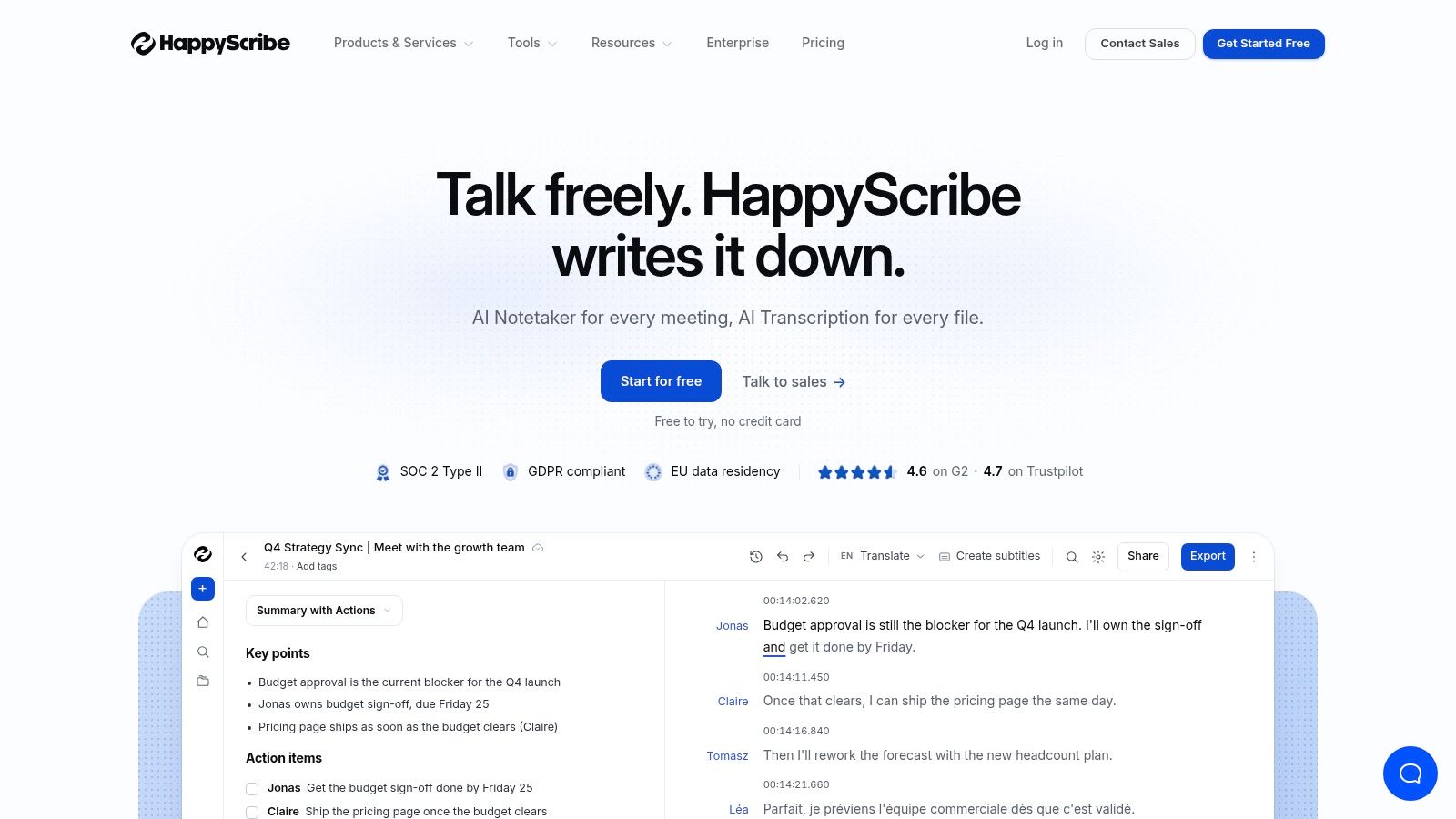
Happy Scribe is built around the hand-off between transcription and subtitling. Its clean interface supports AI and human transcription, project sharing, collaboration and style controls for subtitles. That makes it a natural choice for media teams that need a transcript for editing and a caption file for the same video.
The human option is important for broadcast-grade work. Automated text can get a production moving, but subtitles need more than roughly correct words. Timing, line breaks, punctuation and speaker changes all affect whether viewers can follow the programme. Happy Scribe gives teams a route to human review when the output will be public and accessibility matters.
Better for production than casual notes
The platform supports multiple export formats and team projects, with larger monthly minute allowances on some plans. Those features help a producer keep audio, transcript and subtitle work in one place. They're less valuable to someone who only wants to transcribe a personal recording and copy a few lines into a document.
Plan-dependent features and the cost of human work are the main cautions. Human turnaround also takes longer than an automated pass. Teams should decide whether they need a rough working transcript, polished subtitles or both before comparing plans.
Australia's public-sector accessibility guidance makes this distinction important. The Australian Government Style Manual says time-based media such as audio and video must have a transcript, and recommends checking automated transcription and correcting errors. Happy Scribe is well suited to that review-oriented publishing workflow.
6. Descript
Descript is not really a transcription app with a few editing extras. It's an audio and video editor where the transcript becomes the editing interface. Delete a sentence in the text and the corresponding audio or video is removed. That approach is a major time-saver for podcasters, video teams and creators who repeatedly cut interviews into shorter pieces.
The platform combines transcription, multi-track editing, collaboration, AI cleanup, publishing tools and social exports. Voice tools such as Overdub are available for specific production workflows, although creators should use synthetic voice features carefully and make their audience expectations clear.
The transcript is the timeline
Descript works best when the recording is the raw material for a finished piece. A creator can remove a false start, rearrange sections, build a shorter cut and produce an audiogram without exporting between several apps. It's a practical match for the fast-moving digital routines Australian creators often need to manage.
The trade-off is complexity. Someone seeking only a searchable transcript may find the editor heavier than necessary, and its pricing and credit arrangements can take time to understand. It also isn't a substitute for careful factual review. Removing filler words or cleaning an edit doesn't verify a name, quotation or claim.
Choose Descript for transcript-led audio and video editing, not as the default tool for private field notes. If the final deliverable is a podcast episode, interview video or social cutdown, its all-in-one workflow can justify the learning curve.
7. Notta
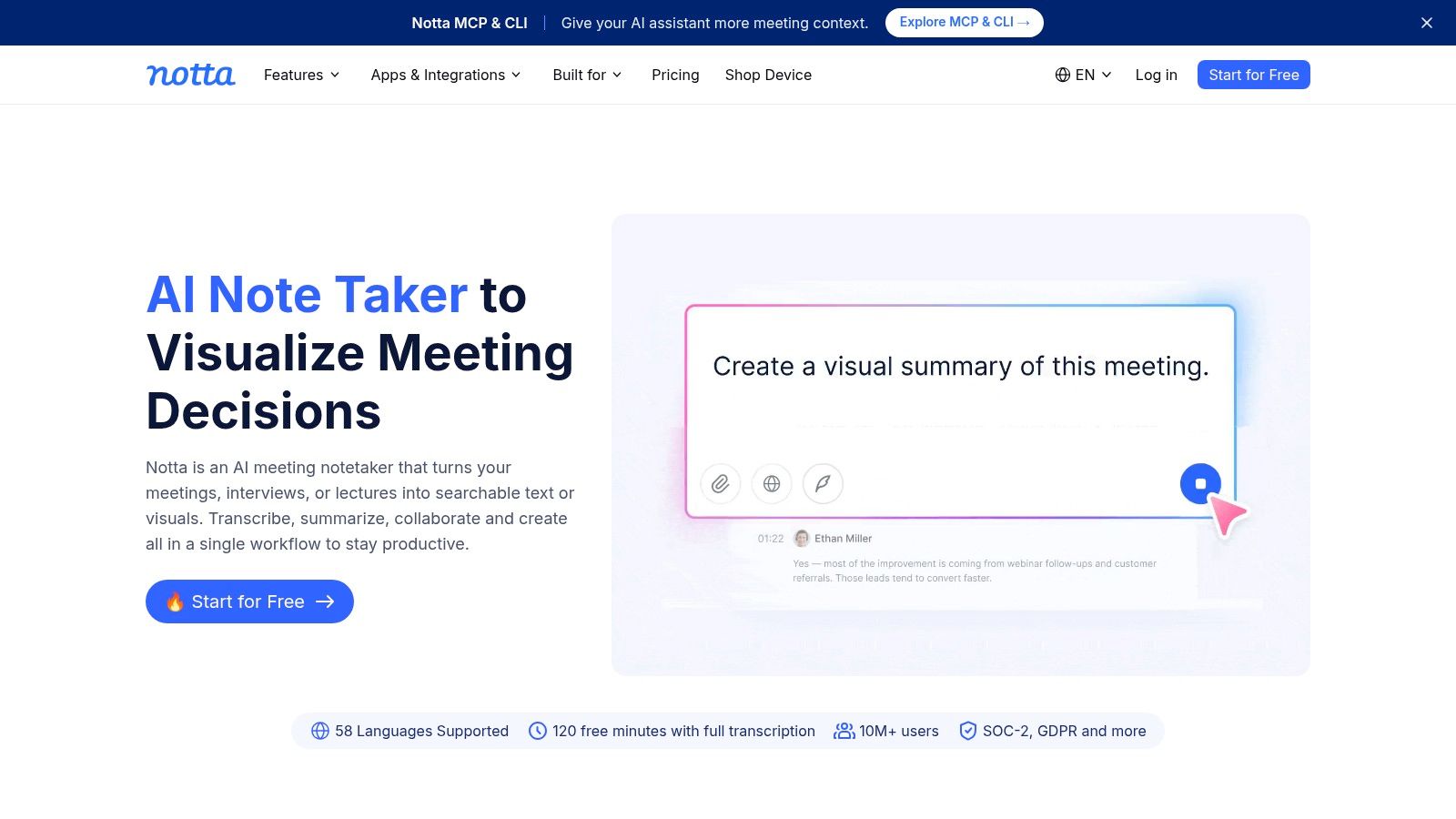
Notta covers a lot of devices without making the workflow feel tied to one operating system. It offers web, mobile, desktop and Chrome apps, alongside live transcription, uploaded audio and video transcription, meeting capture and AI summaries. A user can record on a phone, review on a laptop and keep work in a shared team space.
Its meeting features connect with Zoom, Google Meet and Microsoft Teams. That gives small teams a straightforward way to capture discussions and export notes without adopting a separate desktop recorder. The interface is also relatively approachable for light-to-moderate usage.
Useful coverage, with billing details to check
Notta is a good option for students, consultants and distributed teams that move between devices. Quick exports and a simple interface matter when the job is to get a usable meeting record out to colleagues, not to produce a broadcast transcript.
The important caveat is regional billing. App-store purchase pricing can differ from web pricing and may display differently for Australian users. Advanced features also sit behind paid tiers, so compare the plan shown in your own account rather than assuming a headline offer applies locally.
Notta is the recommendation for broad device coverage and uncomplicated meeting capture. It doesn't offer the strongest privacy story for someone who insists on local processing, and difficult audio still needs human checking.
8. Microsoft Word Transcribe
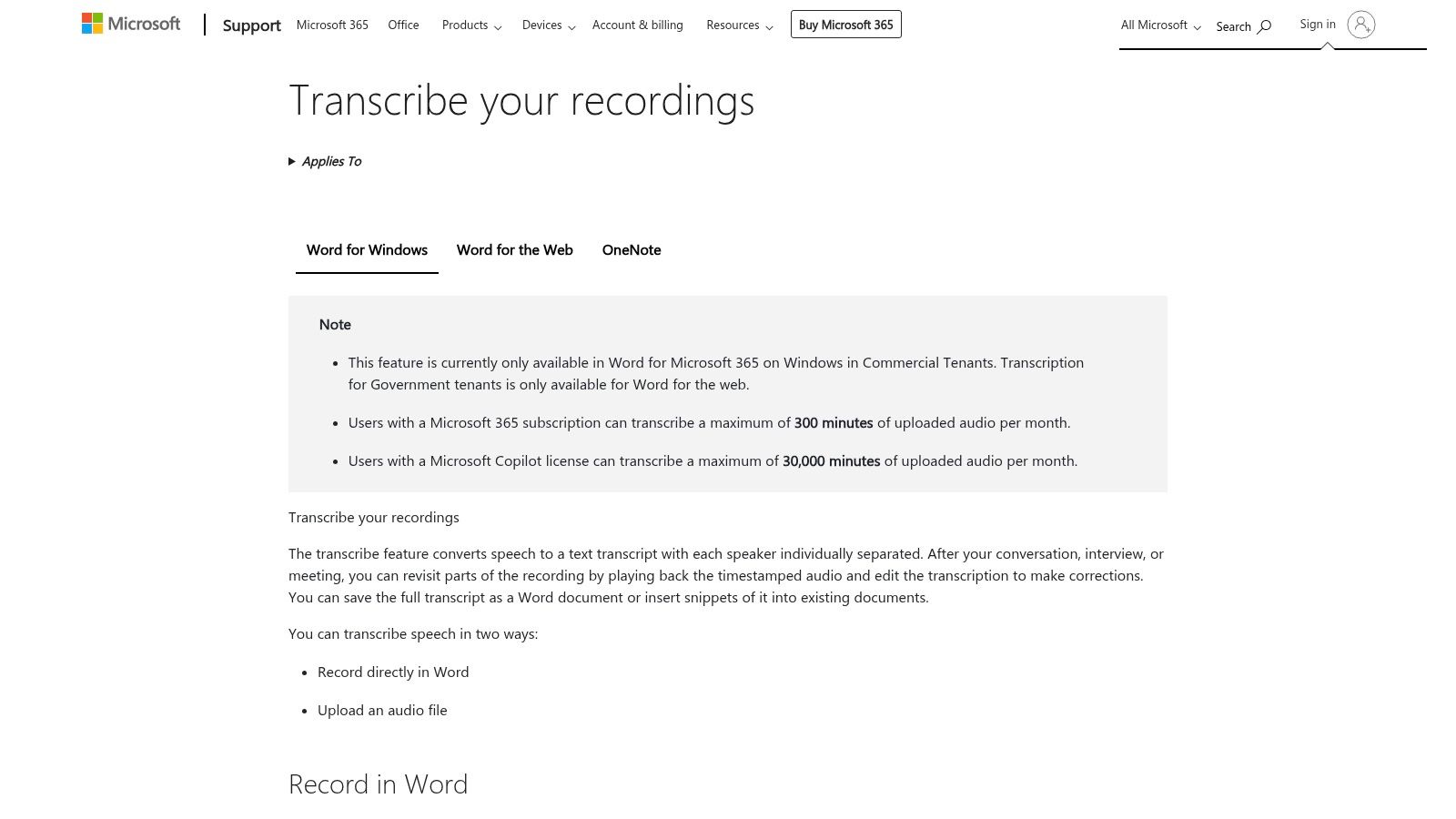
Microsoft Word's Transcribe feature is the least disruptive option for people who already work in Microsoft 365. In Word for the web, you can upload a recording or record directly, then receive a time-stamped transcript with speaker labels. The useful part comes afterwards, when you insert selected passages directly into an article, report or set of meeting minutes.
That workflow suits journalists and office workers who don't want to learn another transcript editor. It also gives students a direct route from a lecture recording to structured notes. The Microsoft support documentation for Transcribe explains the upload and recording workflow.
Convenient, but not unlimited
The feature's value depends on your existing Microsoft account and storage setup. Monthly transcription minute caps apply, and the tool is better suited to English and mainstream accents than to every possible recording condition. Australian users should test a representative interview before relying on it for names, regional speech or overlapping discussion.
Word is also not a specialist newsroom or subtitle platform. It's strongest when the final destination is a document. If you need detailed caption styling, extensive collaboration or local processing, another tool will fit better.
For an existing Microsoft 365 subscriber, Word is a sensible first choice for drafting articles, reports and meeting records. Its lack of a separate app subscription is convenient, but users should still review how recordings and transcripts are stored in their account.
9. Google Recorder on Pixel phones
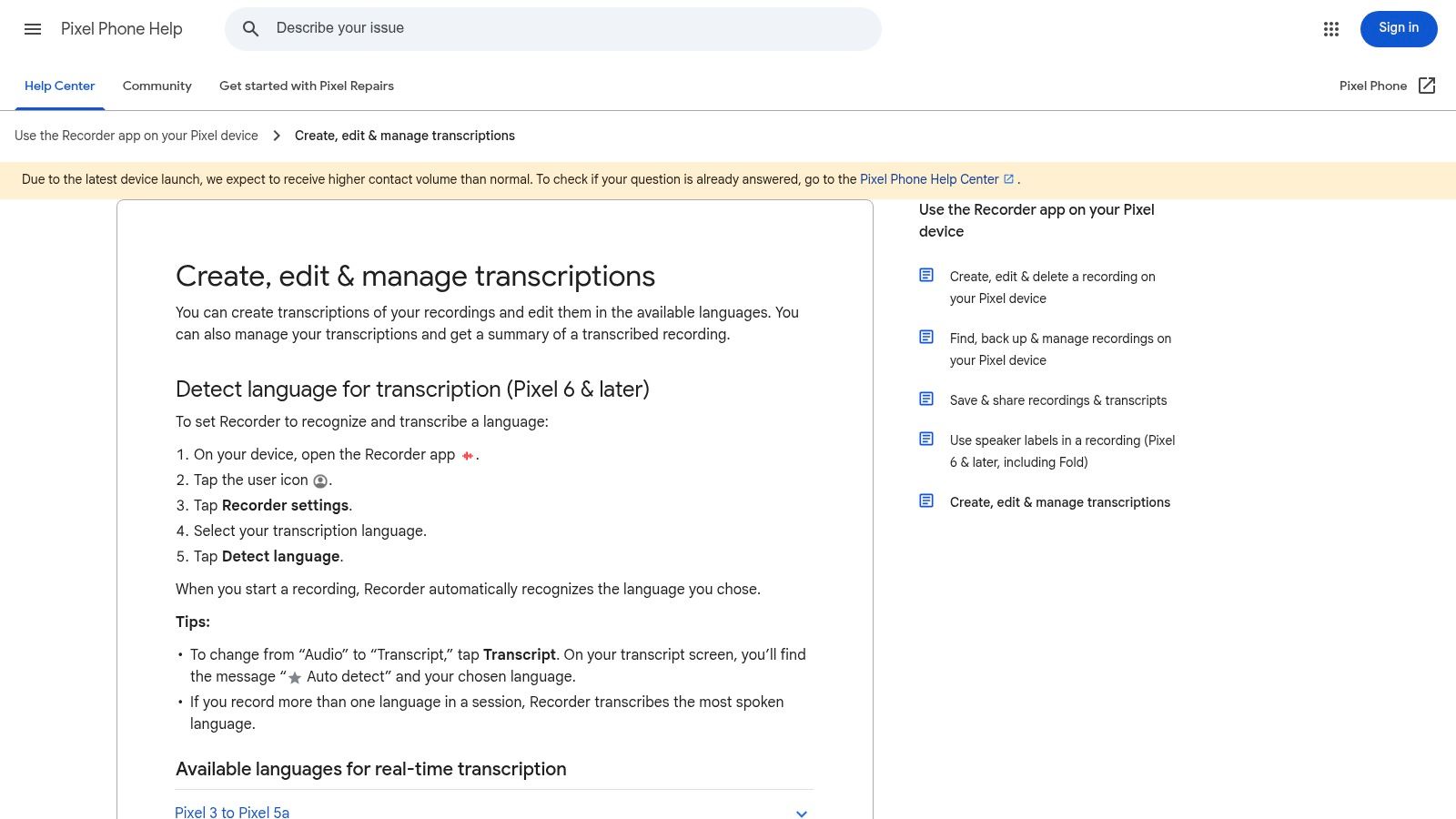
Google Recorder is the most compelling option for a Pixel owner who needs field capture without dependable connectivity. It performs live transcription on the device, supports offline use with language packs and lets you search within recordings. That changes the experience of handling a long interview. Instead of replaying the entire file, you can search for a name or phrase and jump to the relevant point.
The app also lets users edit transcripts, share audio and text, and re-transcribe after recording. The re-transcribe option is useful when you want to try a different processing pass after the fieldwork is finished, rather than deciding in advance how clean the audio will be.
A narrow but valuable choice
The limitation is platform access. Google Recorder is officially for Pixel phones, and features can vary by Pixel model and language support. It isn't a practical recommendation for an iPhone user or an organisation that needs a common cross-platform workspace.
For reporters working in areas with unreliable data, or anyone who doesn't want an interview uploaded immediately, on-device processing is a major advantage. Still, offline doesn't mean error-free. Review names, figures and quotations against the original audio before publication.
Pixel users looking for offline field recording, fast search and local transcription should start here. The app is less suitable for team collaboration, multilingual production or a large publishing pipeline.
10. Trint
Trint is aimed at organisations where a transcript needs to move through review, editing and publication. Its multi-user collaboration, content assembly tools, enterprise governance options, API and integrations make it more than a personal note-taking app. Newsrooms can use transcripts as a source for written articles, broadcast scripts and other content while keeping multiple contributors in the same workflow.
The collaboration layer is the reason to consider it. A producer can share material with an editor, a reporter can correct a quote, and a team can assemble content from transcript sections rather than sending different versions of a document around by email.
Built for teams, not occasional users
Trint can be overkill for a student or freelancer who transcribes a recording occasionally. Public pricing is also less transparent than some alternatives and may be presented after a trial, which makes it harder to compare the total cost before creating an account.
For an enterprise or newsroom, those disadvantages may be outweighed by governance and review controls. Organisations should ask how permissions, retention, exports and integrations fit their existing systems before choosing it.
Trint is the best match for newsroom governance and collaborative content production. It won't win on simplicity, but it addresses the organisational problem that appears after transcription, namely who can review, approve and reuse the material.
11. MacWhisper and the Whisper transcription family
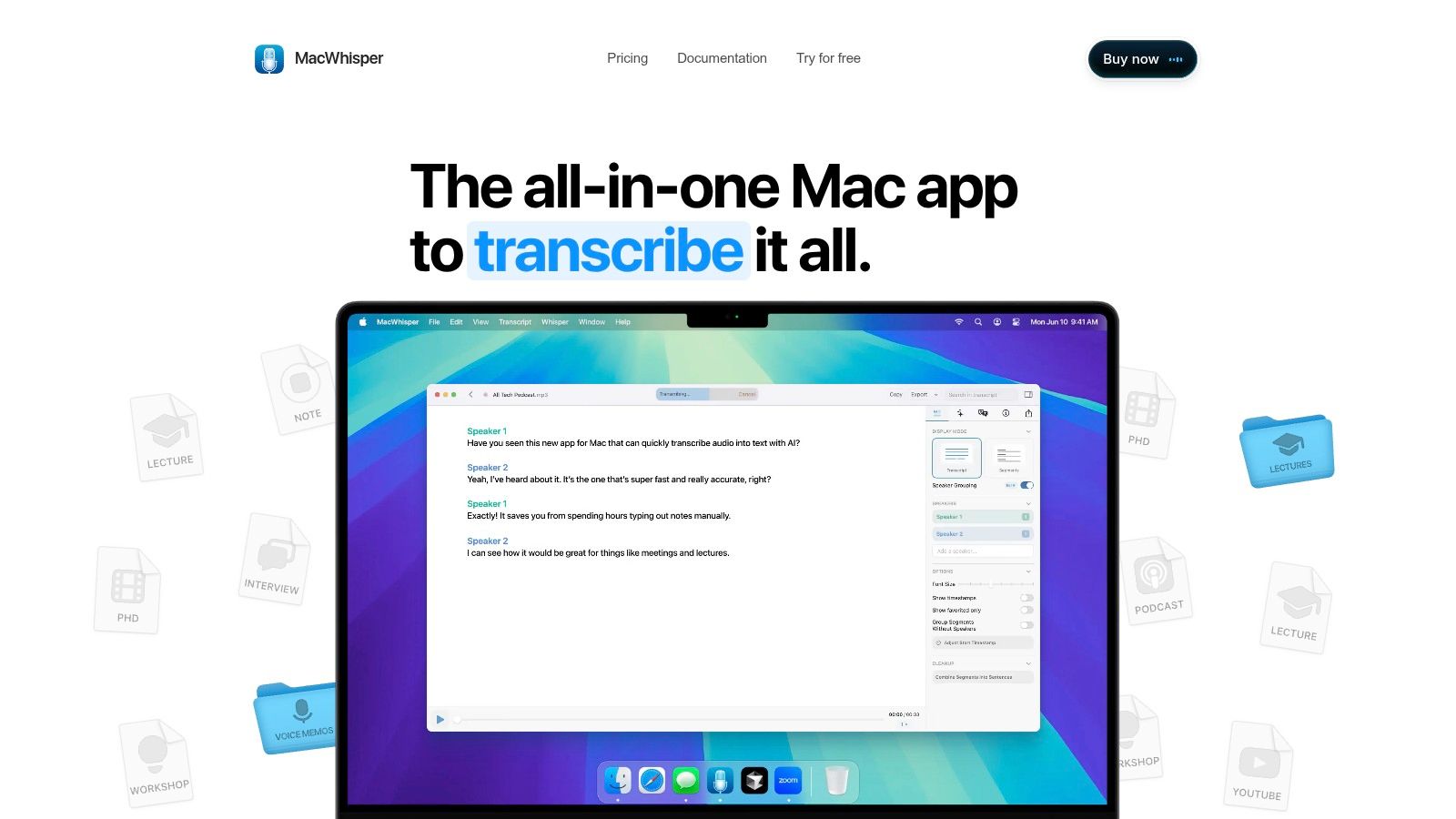
MacWhisper is the privacy-first choice for Mac users who want Whisper-based transcription without uploading recordings to a cloud service. It runs models locally on Apple Silicon and Intel Macs, supports many languages, exports subtitles and can process batches. For a journalist handling a confidential interview, local processing removes one important point of exposure.
The app is also useful when internet access is unavailable. Once the relevant model is available on the Mac, transcription can happen on the device rather than waiting for an upload. A Free version and Pro licensing options give users an alternative to per-minute cloud billing.
Local processing has its own cost
Privacy doesn't make the transcript automatically accurate. Larger models can use substantial CPU or GPU resources, and processing a long recording may be less immediate than a cloud service with high-capacity infrastructure. Live meetings also aren't its strongest use case, and the Mac-only limitation excludes Windows, iOS and Android users.
Pro features add batch transcription and speaker tools, which can make the application more useful to reporters and researchers with recurring workloads. Even then, speaker separation and Australian accents should be tested with real recordings before committing to a workflow.
MacWhisper is the recommendation for offline privacy and local processing. It makes a strong alternative to cloud convenience when the original audio is sensitive, but teams that need live collaboration, shared workspaces or browser access will need another layer.
Top 11 Audio-to-Text Apps Comparison
| Product | Core features | Quality & UX (★) | Price & Value (💰) | Best for (👥) | Standout (✨ / 🏆) |
|---|---|---|---|---|---|
| WhisperAI.com | Web + API, live & file (up to 5GB), 100+ langs, diarization, summaries, exports | ★★★★★ fast, highly accurate editor | 💰 Pro/unlimited options; seat-based business plans | 👥 Teams, newsrooms & enterprises needing scale | ✨ Large-file support & real-time API · 🏆 OpenAI Whisper accuracy |
| Otter.ai | Live transcription, speaker ID, meeting imports, AI summaries, cross-device sync | ★★★★☆ reliable live captions, easy sharing | 💰 Free tier; paid for advanced collaboration | 👥 Journalists, students, teams running meetings | ✨ Zoom/Meet integrations · 🏆 Meeting notes workflow |
| Rev (Voice Recorder + Transcription) | Mobile recorder, AI or human transcripts, captions & enterprise options | ★★★★–★★★★★ (human = top accuracy) | 💰 PAYG per minute; human option costs more | 👥 Interviewers, broadcasters, high-accuracy needs | ✨ Human transcription service · 🏆 Dependable for difficult audio |
| Sonix | Automated transcription (35+ langs), browser editor, subtitles, trainable voiceprints | ★★★★☆ newsroom-friendly editor & exports | 💰 Flexible: PAYG or subscription | 👥 Creators, newsrooms needing strong export tools | ✨ Trainable voiceprints · strong subtitle/export options |
| Happy Scribe | AI & human transcripts, subtitling with style controls, team collaboration | ★★★★☆ clean UI for media teams | 💰 Mid-range; human tier pricier & slower | 👥 Media teams, subtitlers & publishers | ✨ Subtitling controls · 🏆 Human option for broadcast quality |
| Descript | Edit-by-transcript, multi-track editing, overdub voice cloning, publishing tools | ★★★★☆ powerful editor; steeper learning curve | 💰 Tiered plans + credit/feature limits | 👥 Podcasters, video creators & editors | ✨ Overdub & edit-by-text · 🏆 All-in-one creator workflow |
| Notta | Live & uploaded transcription, meeting recorder, AI summaries, multi-platform apps | ★★★☆☆ straightforward, quick exports | 💰 Good value for light use; paid tiers for advanced | 👥 Small teams, casual users who need cross-device | ✨ Consistent web/mobile/desktop experience |
| Microsoft Word (Transcribe in Word) | Upload/record in Word web, time‑stamps, speaker labels, insert into docs | ★★★☆☆ Convenient inside Microsoft 365 | 💰 Included with M365 (minute caps apply) | 👥 Office workers, writers drafting reports | ✨ Direct integration into Word documents |
| Google Recorder (Pixel) | On-device live transcription, offline support, powerful search, re-transcribe | ★★★★☆ Fast, reliable offline for Pixel phones | 💰 Free for Pixel owners (model-dependent) | 👥 Field journalists & Pixel users needing offline | ✨ On-device offline transcription & search |
| Trint | Multi-user collaboration, review workflows, content assembly, enterprise governance | ★★★★☆ Enterprise-grade collaboration tools | 💰 Enterprise/pricing after trial (less transparent) | 👥 Newsrooms, enterprises with governance needs | ✨ Review/workflow tools · 🏆 Built for newsroom workflows |
| MacWhisper (Whisper Transcription family) | Local Whisper on Mac, 100+ langs, batch, subtitle exports, Pro features | ★★★★☆ Privacy-friendly, good offline accuracy | 💰 One-time Pro fee; no per-minute charges | 👥 Journalists & privacy-focused Mac users | ✨ Local model (no cloud) · 🏆 One-time pricing, strong privacy |
How to Choose Your Audio to Text App
There isn't one universal winner because the job changes the definition of “best”. A live team meeting, a confidential field interview, a subtitled documentary and a lecture for accessibility all place different demands on an audio to text app.
For live meeting notes and collaboration, Otter.ai is the easiest recommendation. It combines live transcription, searchable notes, meeting capture and shareable summaries across web and mobile. Notta is a good alternative when people need web, mobile, desktop and Chrome access in the same workflow. Both are convenient cloud tools, so teams should review storage and sharing permissions before recording sensitive conversations.
Choose Rev when the recording matters more than speed. Its combination of AI and human transcription gives you a way to start quickly and escalate difficult audio when a person needs to verify the words. Human transcription isn't necessary for every internal note, but it remains worthwhile for important interviews, broadcast material, legal content and quotations where one mistaken word could alter the meaning.
Sonix and Happy Scribe are better suited to multilingual newsroom and subtitle workflows. Sonix offers a flexible browser editor, translation and subtitle exports, while Happy Scribe adds a clear route from automated work to human-reviewed transcription and subtitling. Their cloud dependence is a limitation for offline fieldwork, but it supports teams producing captions and translated media.
Descript is the obvious choice for transcript-led audio and video editing. If deleting words should also cut the recording, its text-first approach can save repeated work. It's more tool than a casual transcriber needs, but podcasters and creators may prefer one production environment over a recorder, transcript app and video editor.
Notta suits users who work across many devices. Microsoft Word is the practical choice for people already drafting inside Microsoft 365, especially when the output needs to become an article, report or set of notes. Google Recorder is the specialist pick for Pixel owners who need offline field capture and searchable local transcripts.
Trint belongs on the shortlist for newsrooms and enterprises that need governance, shared review and content assembly. MacWhisper is the better answer for Mac users who prioritise local processing, offline access and keeping recordings off a cloud service. WhisperAI.com covers the widest range of professional needs when large files, multilingual transcription, structured exports, speaker labelling, summaries and API access all matter together.
Australian buyers should treat accent testing as part of procurement, not as an afterthought. A speech-to-text market forecast from Fact.MR projects a 11.70% compound annual growth rate from 2026 to 2036, and identifies cloud contact centres, media workflows and accent handling as relevant adoption considerations. The projection doesn't tell you which app will understand your interview. Your own recordings do.
Use a short test set before paying. Include one quiet recording, one conversation with interruptions, names specific to your work and the kind of background noise you regularly encounter. Compare speaker labels, punctuation, timestamps, quotations and exports, not just the number of words that look correct.
Good recording practice still matters more than a polished feature page. Keep the microphone close to the main speaker, reduce competing noise, ask participants to identify themselves and avoid placing a phone flat on a vibrating table. During review, confirm names and quotations manually, label speakers consistently and retain the original audio alongside the edited transcript.
Accessibility requires the same discipline. Automated transcription can speed up the work, but it shouldn't replace human review when a transcript or caption is being published for the public. Plain-text and simple-HTML exports may be useful for accessible publishing, while time markers and headings help readers move through longer recordings.
Privacy needs a separate decision. Confirm whether processing is cloud-based or local, find out how long audio and transcripts are retained, check deletion controls and understand who can access shared workspaces. Australian users should also consider consent before recording, transcribing or storing a conversation. The Privacy Act and related Australian legislation sit alongside state and territory surveillance laws, and the applicable rule can depend on the people, location and circumstances involved.
Finally, compare current Australian pricing rather than relying on an overseas review. Check AUD display, app-store billing, minute limits, seat charges, credits, human turnaround and export restrictions before uploading a sensitive interview or personal recording.
Choose one recording from your real workflow and test it in two or three shortlisted apps today. Check the transcript against the audio, confirm the storage and deletion terms, then select the tool that fits your actual device, privacy needs and publishing process, not the one with the longest feature list.