

You've got a deadline, not a studio. Maybe it's a short social clip that needs a catchy vocal hook tonight, a podcast episode that needs a clean intro bed, or a client video where the music has to be licensed properly before it goes live. Picking from the Best AI Music Generators on sound quality alone will waste your credits, because the tool that's brilliant for a finished song can be useless for an editable music bed.
Australian creators are already making that choice in real workflows. The 2024 Goldmedia survey commissioned by APRA AMCOS collected 4,274 responses from songwriters, composers and publishers, and found 38% were already using AI in their music or broader creative work, while 54% agreed AI could assist the human creative process.
So compare the job first. Do you need vocals or a purely instrumental track, stems and MIDI or a finished MP3, and does your exact plan allow commercial release, synchronisation in a video, or only private experimentation? Those answers narrow this list fast. The recommendations below separate full-song generators from composition tools, creator scoring services, business APIs and self-hosted options, so you can spend on the workflow you'll publish from, not the demo that sounded impressive for thirty seconds.
Table of Contents
- 1. Vocuno
- 2. Suno
- 3. ElevenLabs Music
- 4. AIVA
- 5. Google Lyria
- 6. SOUNDRAW
- 7. Stable Audio
- 8. Mubert
- 9. Beatoven.ai
- 10. Boomy
- 11. Musicful
- Top 11 AI Music Generators Compared
- Make the Practical Choice Before You Generate
1. Vocuno
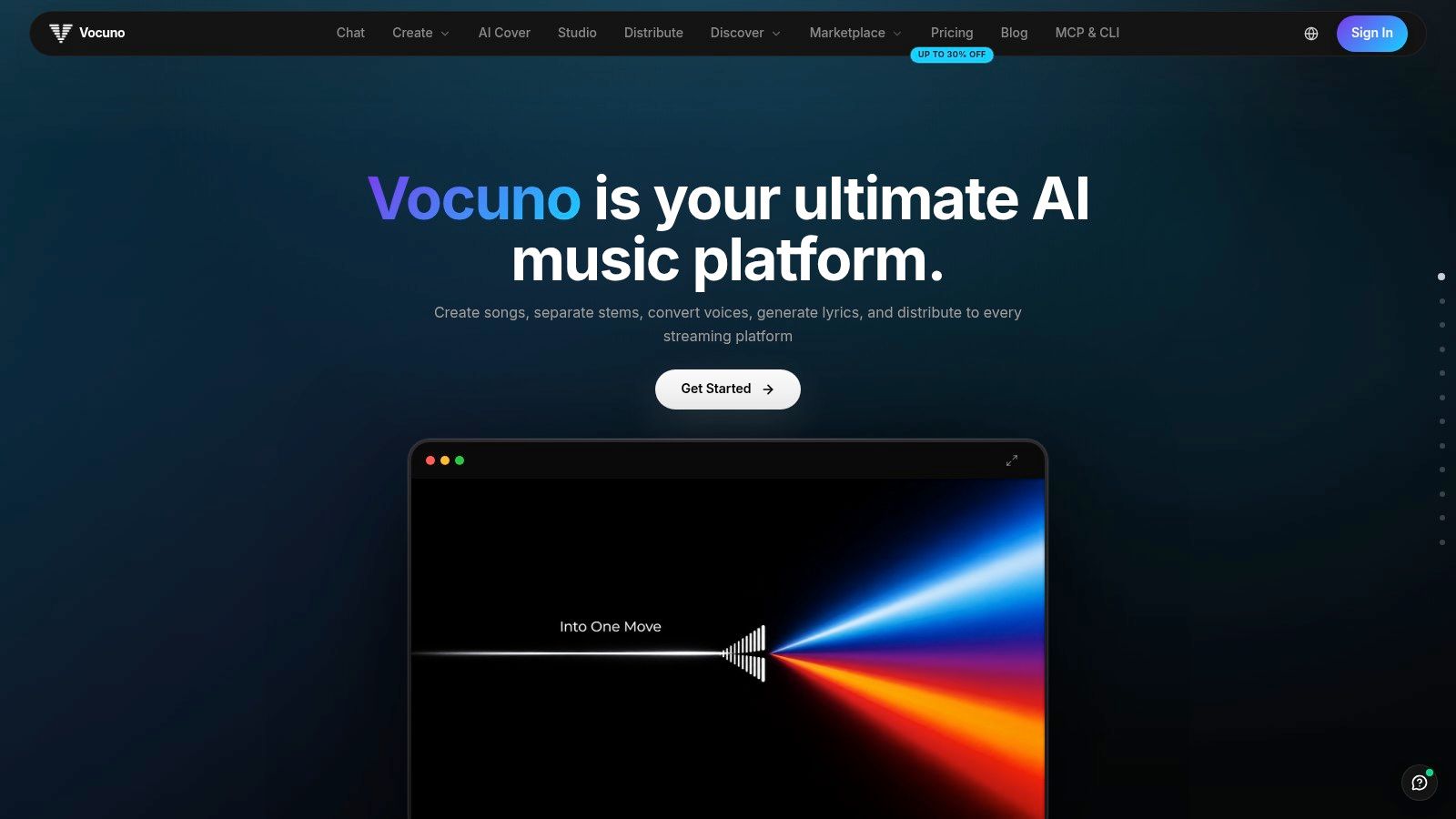
If your problem isn't generating one track, it's jumping between five apps to finish it, start here. The Vocuno AI music creation platform puts full song generation, vocals, lyrics, voice conversion and cloning, stem separation, BPM detection, audio to MIDI and file processing in one minimalist workspace. You don't export a rough idea just to clean it up somewhere else.
That matters because Vocuno connects multiple engines, including Suno, ElevenLabs, Audimee, LALAL.ai, MusicGPT, MiniMax, Lyria 3 and YouTube, inside a structured, DAW-like pipeline. You can create, import, analyse, record, remix and refine without breaking flow, then compare approaches in one prompt instead of rebuilding the same idea across subscriptions.
Where Vocuno Fits Best
- Independent artists releasing regularly: Generate, refine and distribute from one place to Spotify, Apple Music, YouTube Music, Deezer, Tidal, SoundCloud and Pandora.
- Songwriters who want control: Use AI for speed on vocals, lyrics and stems, then keep human decisions on arrangement and performance.
- Creators tired of tool switching: One workspace replaces a chain of separate generators, converters and separators.
Choose Vocuno when you want a complete production and release pipeline, not another single-purpose generator you'll outgrow after one song.
It's built by musicians for musicians, and that emphasis on human creative control is the point. You're not handing over authorship, you're compressing the boring transfers between sketch, vocal, stems and master so you can release faster and more often.
2. Suno
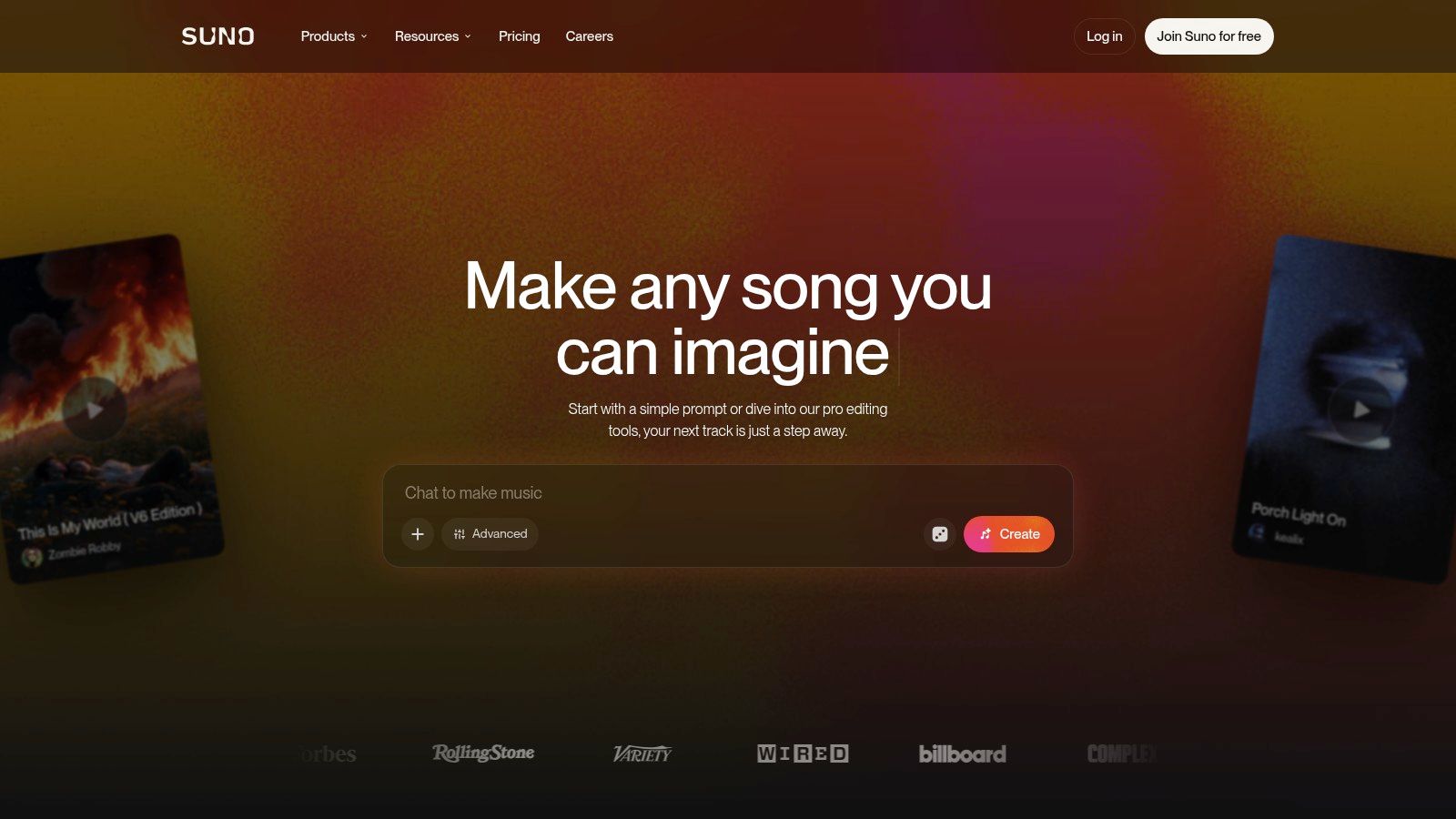
Suno is the fastest way to hear a complete song with vocals, instrumentation and structure from a short prompt or your own lyrics. Type a genre, mood and subject, and you'll get an arrangement you can judge immediately. For beginners, that speed beats learning production before you've even tested an idea.
Eligible paid plans add editing, audio upload, voice features and stem separation, which turns a lucky generation into something you can refine. The free plan includes daily credits for experimentation, but don't treat it as a release plan.
- Best use: Rapid vocal song drafts and topline ideas you can rewrite or reproduce.
- Watch out for: Variable results that need prompt refinement, and free-plan output that isn't licensed for commercial use.
- Before you publish: Check paid commercial terms against your exact plan and the track's creation date.
If you love following how finished performances land on a big stage, our recap of standout Grammy performances and memorable moments is a useful reminder of the gap between a clever demo and a performance people remember. Use Suno to get the draft, then do the human work that closes that gap.
3. ElevenLabs Music
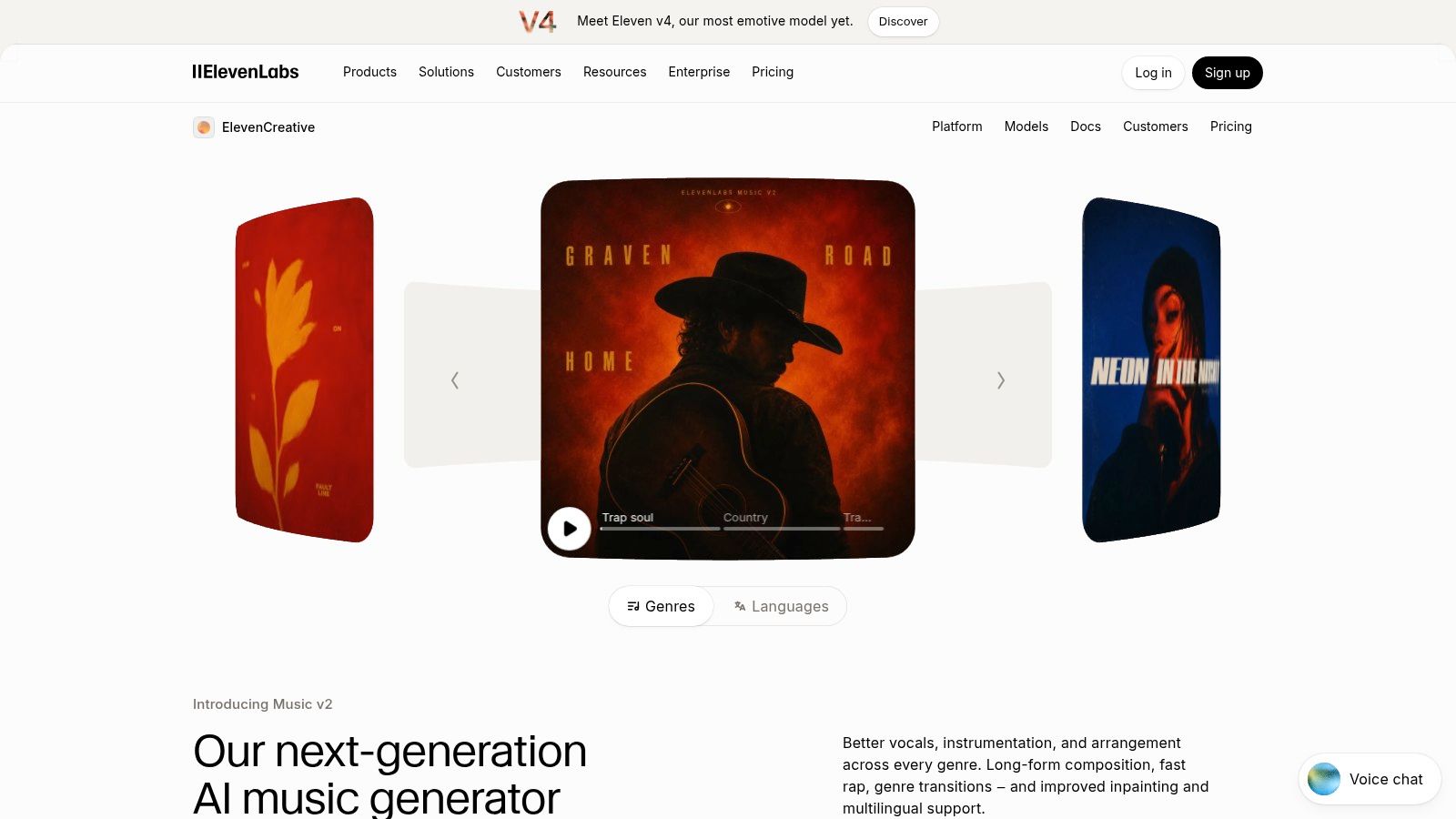
Pick ElevenLabs Music if music is only one part of your audio job. It generates from detailed prompts with control over style and arrangement, but its real advantage is sitting alongside voiceovers, sound effects and production tools in the same platform. Podcasters and video creators who already work there won't need a separate music subscription.
Higher tiers add editing and stem options, and there's also an API if you want music generation inside a product or automated workflow. That range, from a single creator track to developer integration, is broader than most song generators offer.
The Trade-Off to Budget For
Music generation uses credits shared with other ElevenLabs products, so a heavy voiceover month can eat the allowance you planned for scoring. Commercial permissions also vary by plan and use case, with some exclusions, so read your tier before a client deadline. If you only need one song and nothing else, you're paying for a platform you'll barely touch.
Creators juggling spoken audio too may also find our guide to choosing an audio to text app for transcription workflows useful when you're building a complete podcast or video pipeline. For integrated audio production, ElevenLabs is the practical pick.
4. AIVA
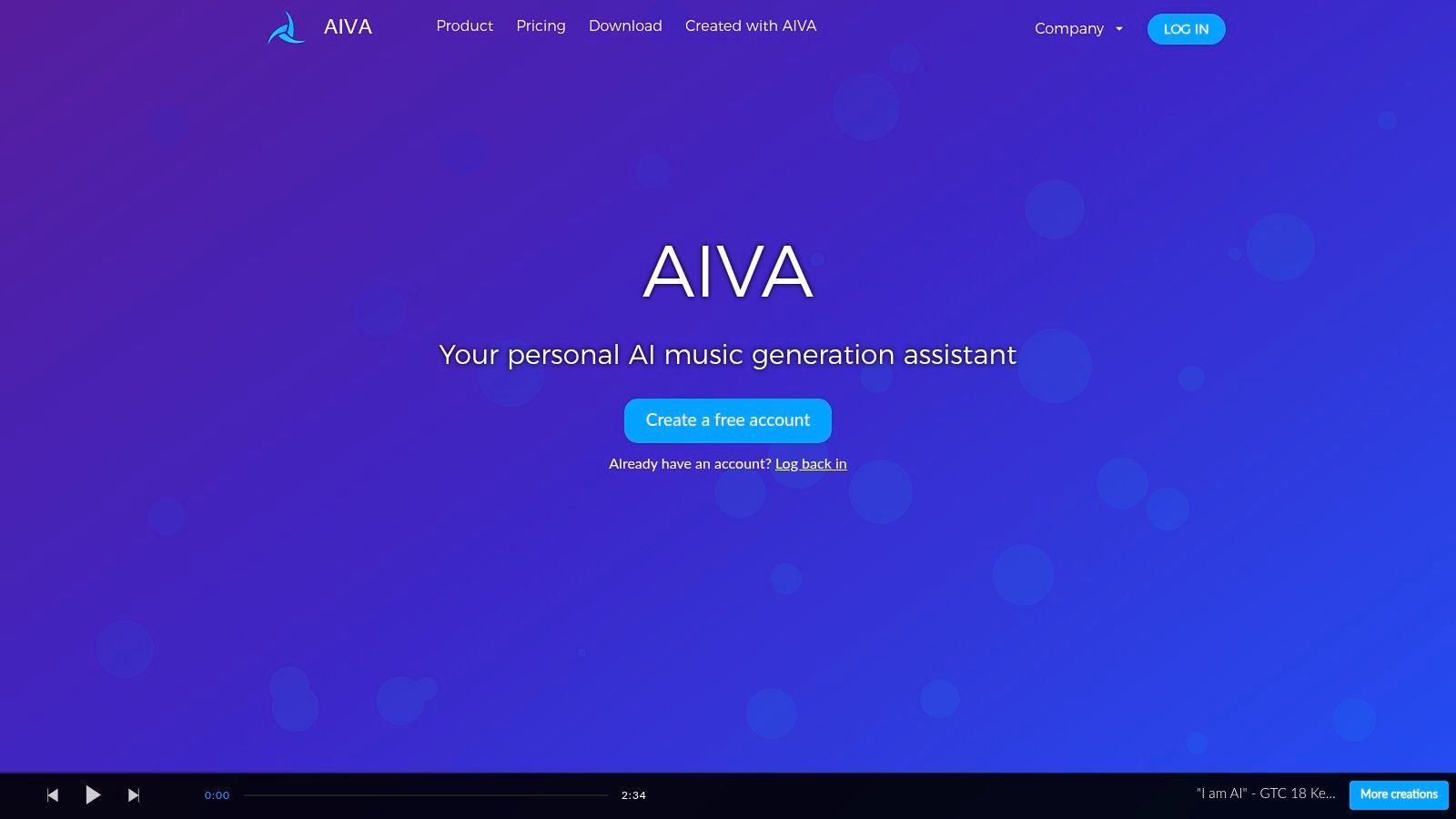
AIVA is for composers, not prompt tourists. It focuses on musical composition for cinematic, classical and game work, generates across a wide range of styles, and lets you shape the result with user-created style models and audio or MIDI influence. You're getting material to arrange, not a finished vocal pop song.
That distinction is valuable if you work in a DAW. Eligible plans offer MIDI and WAV downloads, so you can revoice parts, change instrumentation and keep editing after generation. For media creators who need a theme they can develop across scenes, that control beats a flat audio file every time.
Licensing needs close attention here. The free plan is non-commercial and requires credit to AIVA, and the Standard plan limits monetisation to specified social platforms. Check which tier matches your release before you build a project around a track.
Practical rule: If you need editable notes you can rearrange, choose AIVA. If you need a convincing lead vocal, choose something else.
It's less instant than Suno, and that's fine. You're trading speed for compositional control you'll still be using weeks later.
5. Google Lyria
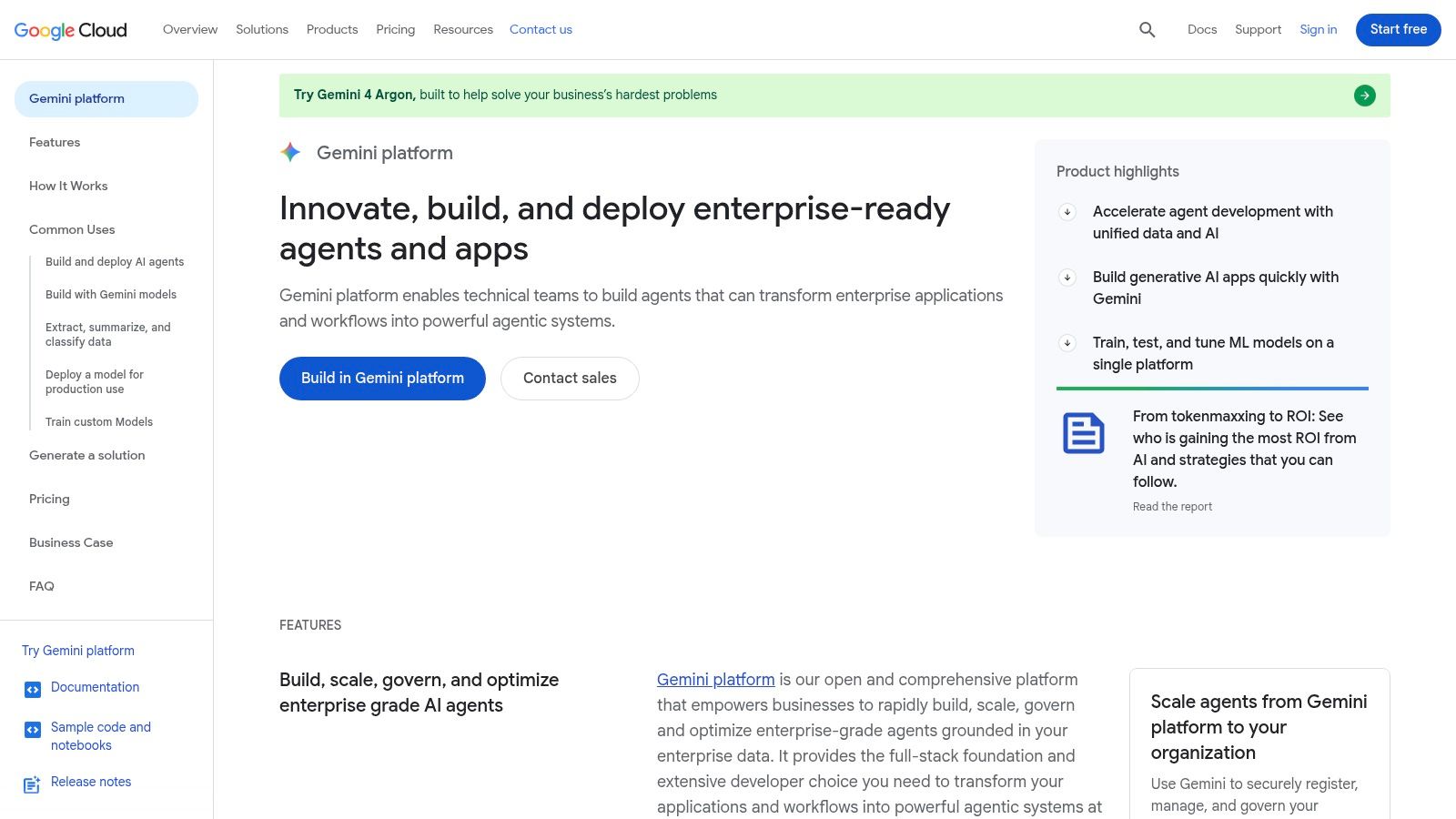
Google Lyria through Vertex AI is a developer play, not a consumer song app. Lyria 3 is built for short clips, while Lyria 3 Pro is designed for longer compositions with structures such as verses and choruses, and the Cloud offering supports text prompts with image inputs. That makes it useful for teams prototyping music generation inside a product, game or interactive experience.
Access runs through Vertex AI with usage-based pricing, so you'll need to monitor billing rather than rely on a flat creator subscription. Setup is less straightforward than opening a music app, and availability can depend on product, account and region, so Australian teams should verify access before committing a roadmap to it.
- Best use: Prototypes, product features and automated generation at application level.
- Skill requirement: Comfort with Cloud accounts, APIs and usage monitoring.
- Not ideal for: A musician who just wants to release a song this weekend.
If you're building those technical skills from scratch, our explainer on how to learn coding and build a practical developer foundation covers the groundwork you'll need. For non-developers, skip Lyria and use a creator tool above.
6. SOUNDRAW
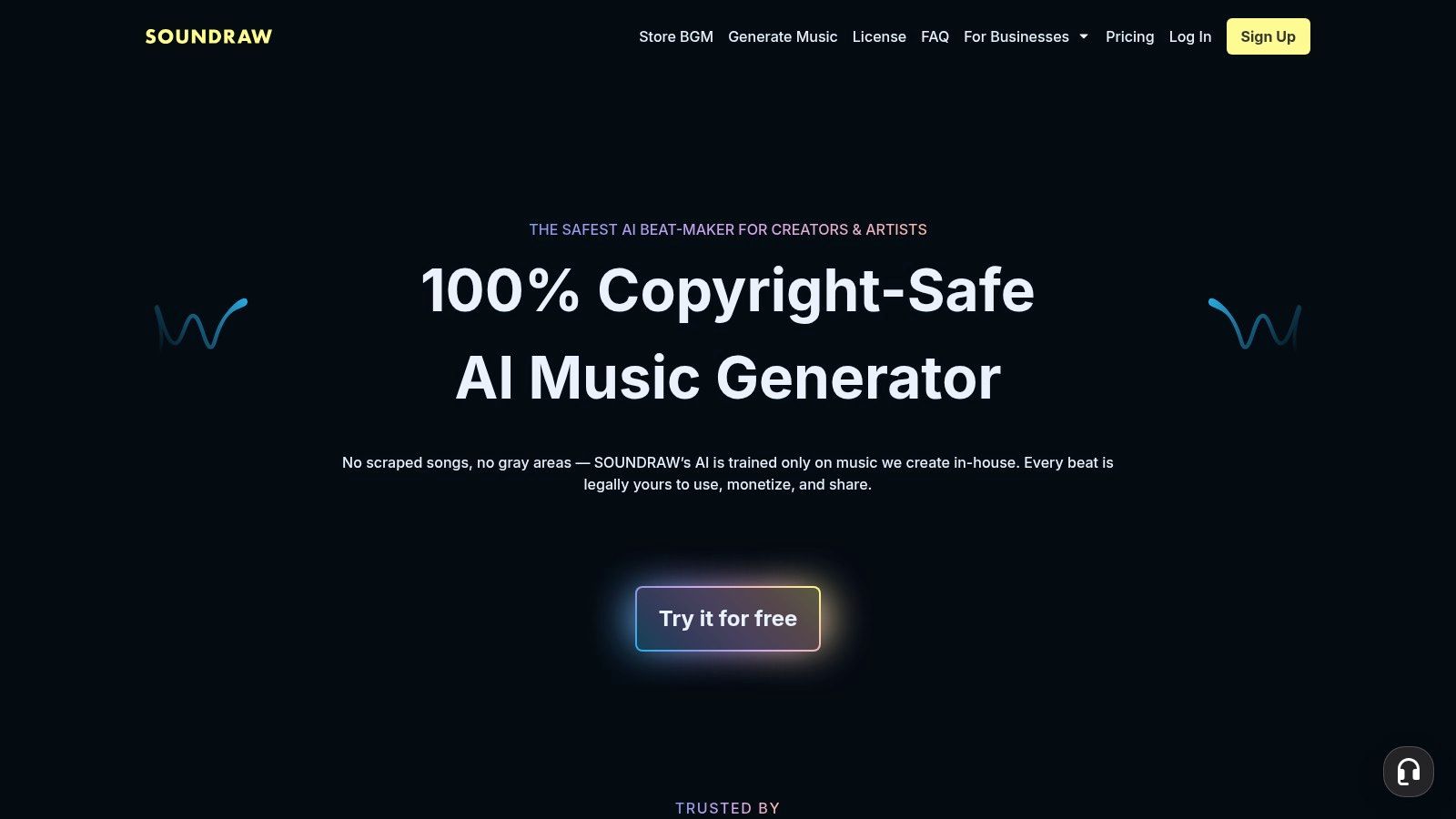
You need background music that fits under dialogue, doesn't fight your edit, and can be adjusted when the cut changes. That's SOUNDRAW. It generates music for content and lets you adjust the output, rather than forcing you to accept or regenerate a whole track.
Its plans make a useful distinction. The Creator plan focuses on background music with monthly downloads, while Artist plans add options for distributing music and downloading WAV files or stems. There's also an Enterprise and API offering for businesses that need music at scale.
Who Should Choose It
Video creators, podcasters and small brands scoring regular content will get the most from SOUNDRAW. Musicians can also use it for beats or backing tracks they plan to develop further, especially where stems support extra editing.
The downside is plan complexity. Download limits and formats differ by tier, so map your monthly output before you subscribe, and review the licence carefully before releasing generated music on streaming services. Don't buy a creator background-music plan and assume you've bought artist distribution rights. If your priority is practical, adjustable scoring rather than a vocal single, SOUNDRAW is a direct fit.
7. Stable Audio
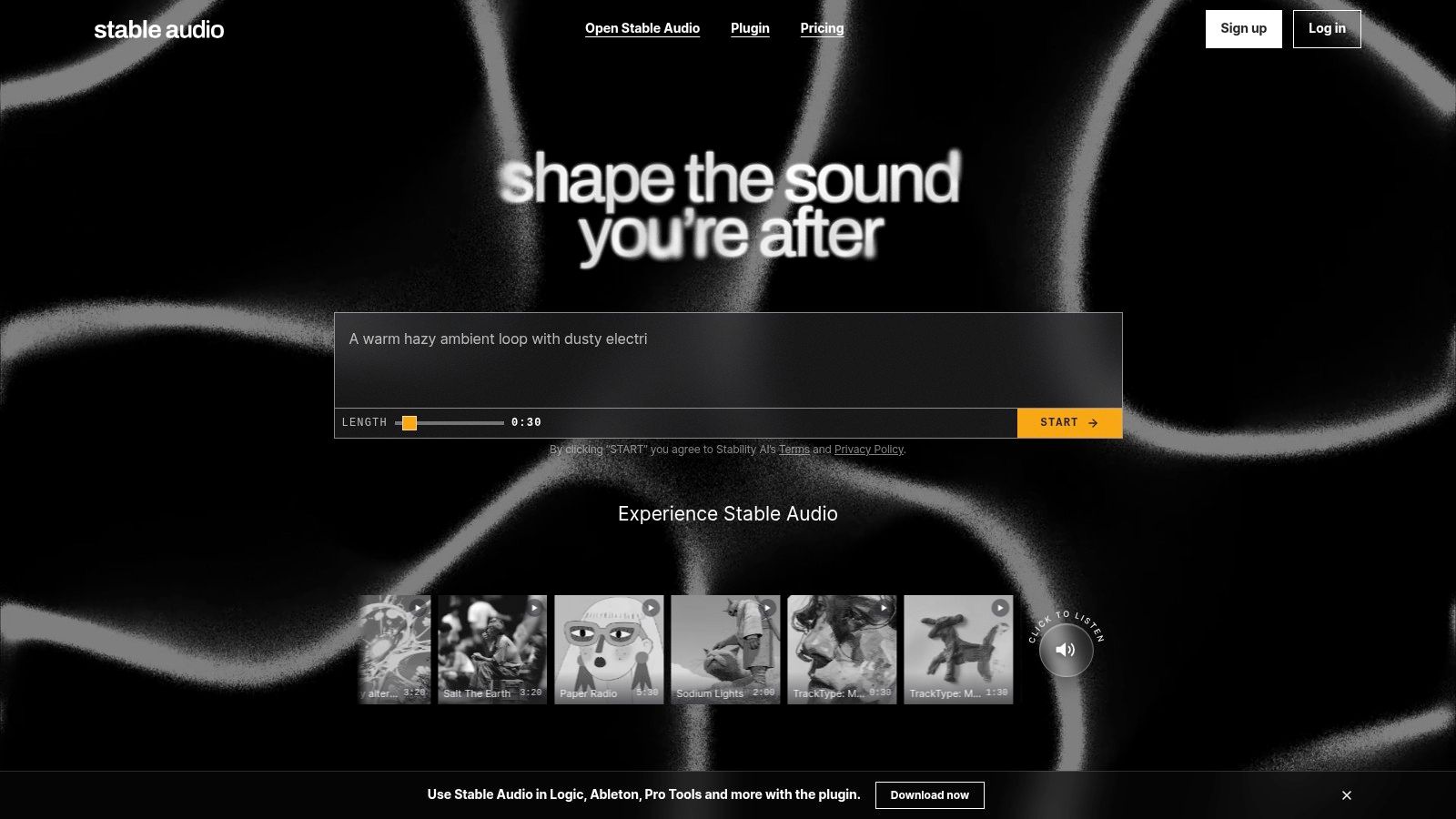
Sound designers should look at Stable Audio before they look at another text-to-song app. From Stability AI, it supports text-to-audio and audio-to-audio generation, plus workflows such as audio inpainting, extension and editing. You can create music, but you can also create and alter sound material that sits around music.
That flexibility extends to how you run it. There's an online service, an API, and downloadable weights for some models, which will interest technically capable producers who want local control. Stable Audio 3.0 is described on the product site as supporting longer outputs, making it more useful for developed musical beds than short loops alone.
Don't underestimate the homework. Access and rights differ between the online service, API and self-hosted options, and self-hosting needs technical knowledge and suitable computing resources. Check the relevant licence and eligibility requirements before any commercial use, because the model you download isn't automatically cleared for the job you have in mind.
Choose Stable Audio if you want an audio workshop you can integrate or host. Choose a hosted creator tool if you don't want to maintain the workshop yourself.
8. Mubert
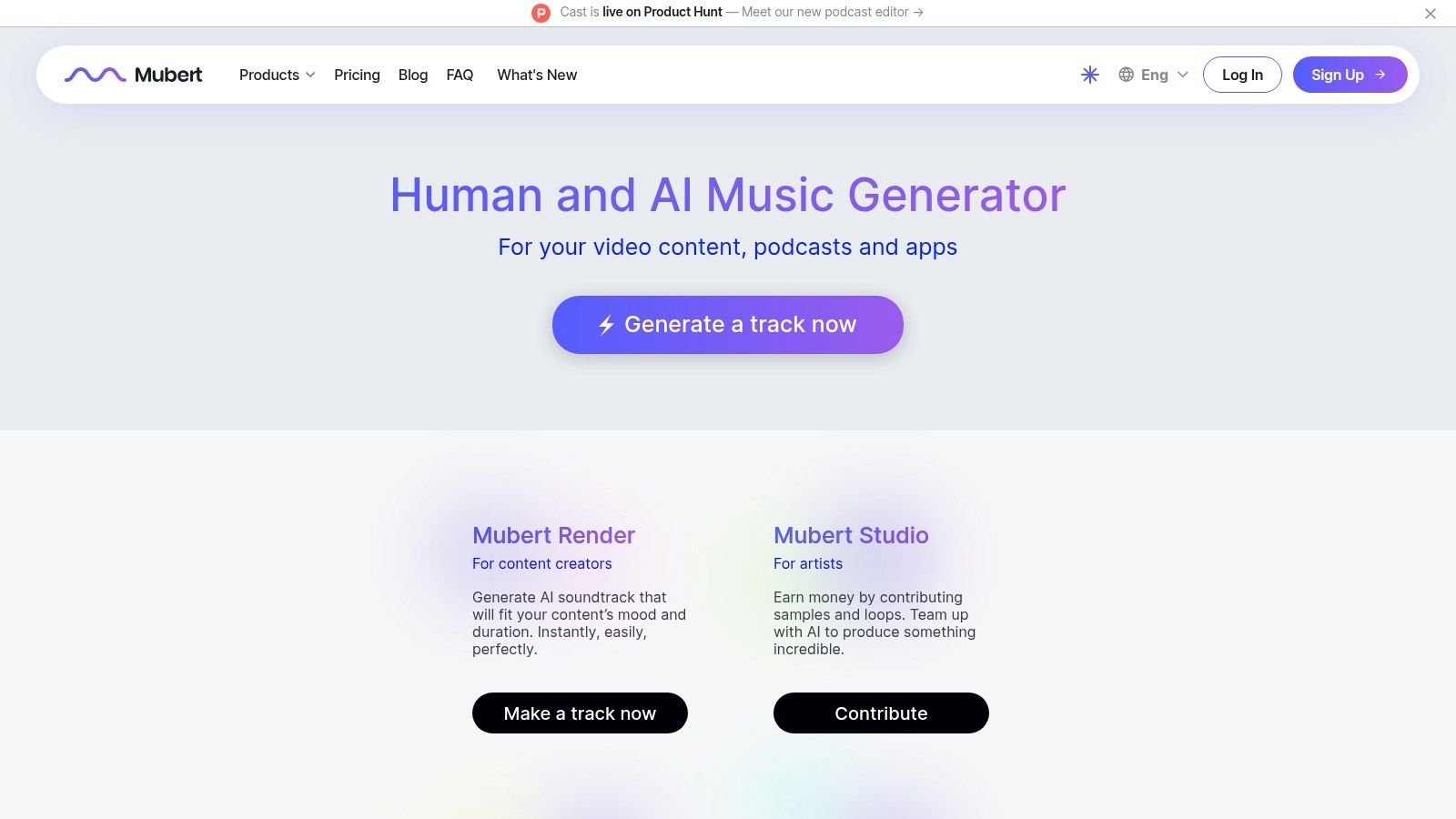
Mubert splits its offer cleanly in two. For individual creators, it generates background tracks from text descriptions, moods, genres and scenes, with plans that include generation and editing tools. For businesses, a separate library and API offering supports apps and digital experiences that need music generated or streamed as part of the product.
That makes Mubert a smart pick in two specific situations. You're a creator who needs a steady supply of background scoring without composing tracks, or you're a team embedding music into an app, game environment or service where a static library won't scale.
- Strength: One provider covering creator tracks and business integration.
- Licensing point: Paid creator plans include commercial licensing according to its pricing page, while free-tier use is more restricted.
- Friction: Credits and how many tracks they cover can take some working out.
It's oriented towards background music, not finished vocal releases, so songwriters chasing a single should look elsewhere. But if music is infrastructure for your content or product, rather than the product itself, Mubert is built for exactly that job.
9. Beatoven.ai
Beatoven.ai does one job clearly, and that's its strength. Describe the mood and content need for a video, podcast, game or trailer, generate an original background track, download it in MP3 or WAV, and receive a licence with the download for monetised content use. It also offers a sound-effects generator for the rest of your edit.
That licence document matters when a client, sponsor or platform asks what you're allowed to use. The company also states it is Fairly Trained certified, which will matter to creators who care how training material is handled.
A synchronisation licence lets you put music in your project. It does not let you release that track as a standalone streaming single.
Beatoven.ai is explicit on that boundary. Its stated terms cover synchronising music with a project, the licence is non-exclusive and limited to use within that project, and it does not allow standalone distribution on services such as Spotify or Apple Music. Check pricing and included download minutes at checkout, then use it confidently for what it's for. For licensed project scoring in Australia, clarity like that is worth more than extra features.
10. Boomy
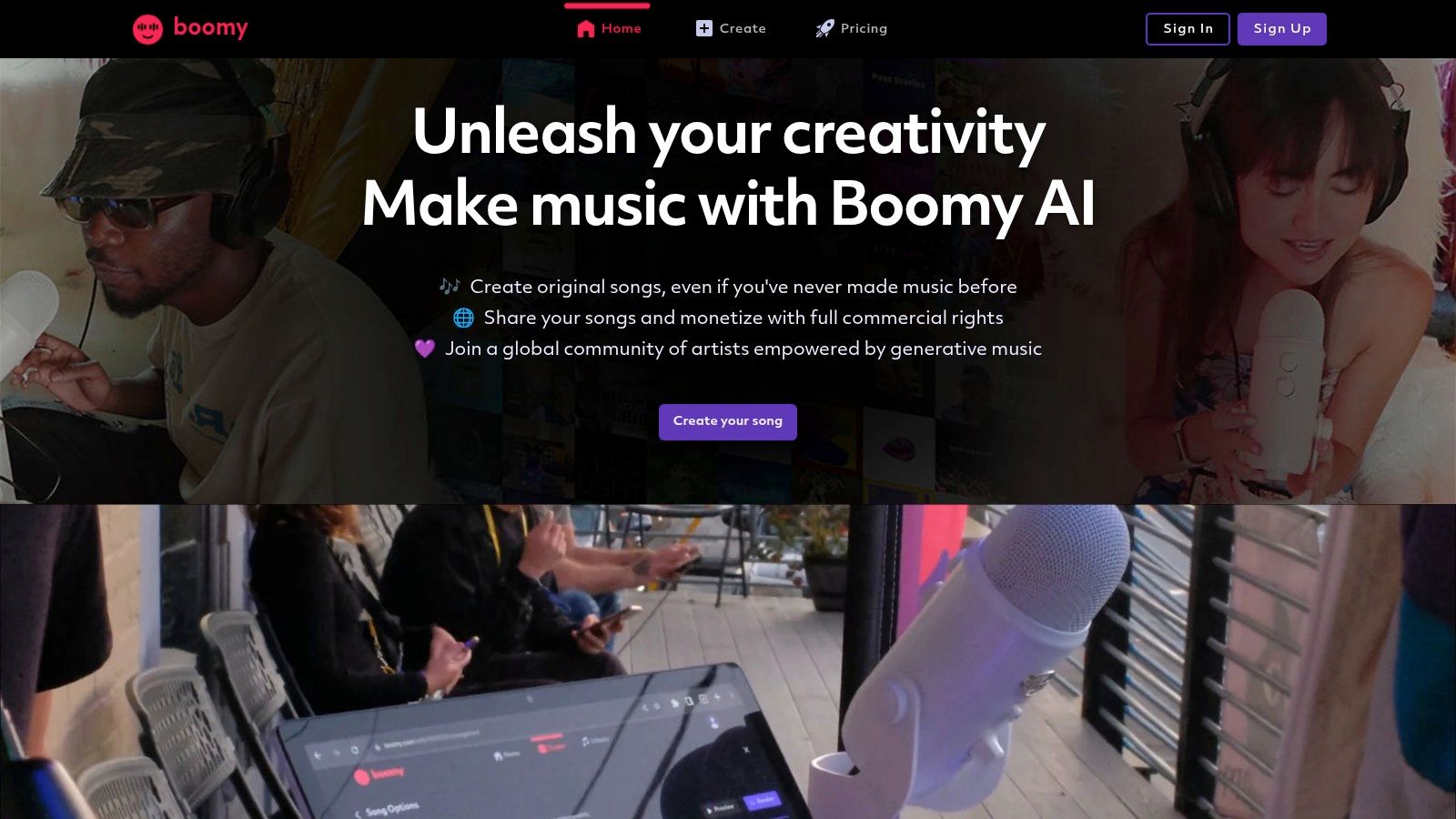
Start with Boomy if you've never made a track and complex tools put you off. Its interface is built for simple AI-assisted creation, editing and quick experimentation, so you can learn what you like by making things, not by reading manuals. The free plan lets you create and save tracks, which is enough to test whether generative music suits you at all.
When you're ready to publish, paid tiers add WAV downloads and commercial-use permissions for downloaded songs, and paid users can distribute downloaded songs to digital music platforms subject to Boomy's terms. That gives beginners a visible path from first experiment to release without changing platforms.
Know the limits before you commit. The free plan doesn't include downloads or commercial use, so don't build a release campaign on it. Experienced producers may also find the editing and creative control limited compared with AIVA or a full DAW workflow.
The Bottom Line on Boomy
It's a low-barrier entry point, not a professional production environment. Use it to start, learn and release simple tracks properly on a paid plan. Move on when you need stems, MIDI or detailed arrangement control.
11. Musicful
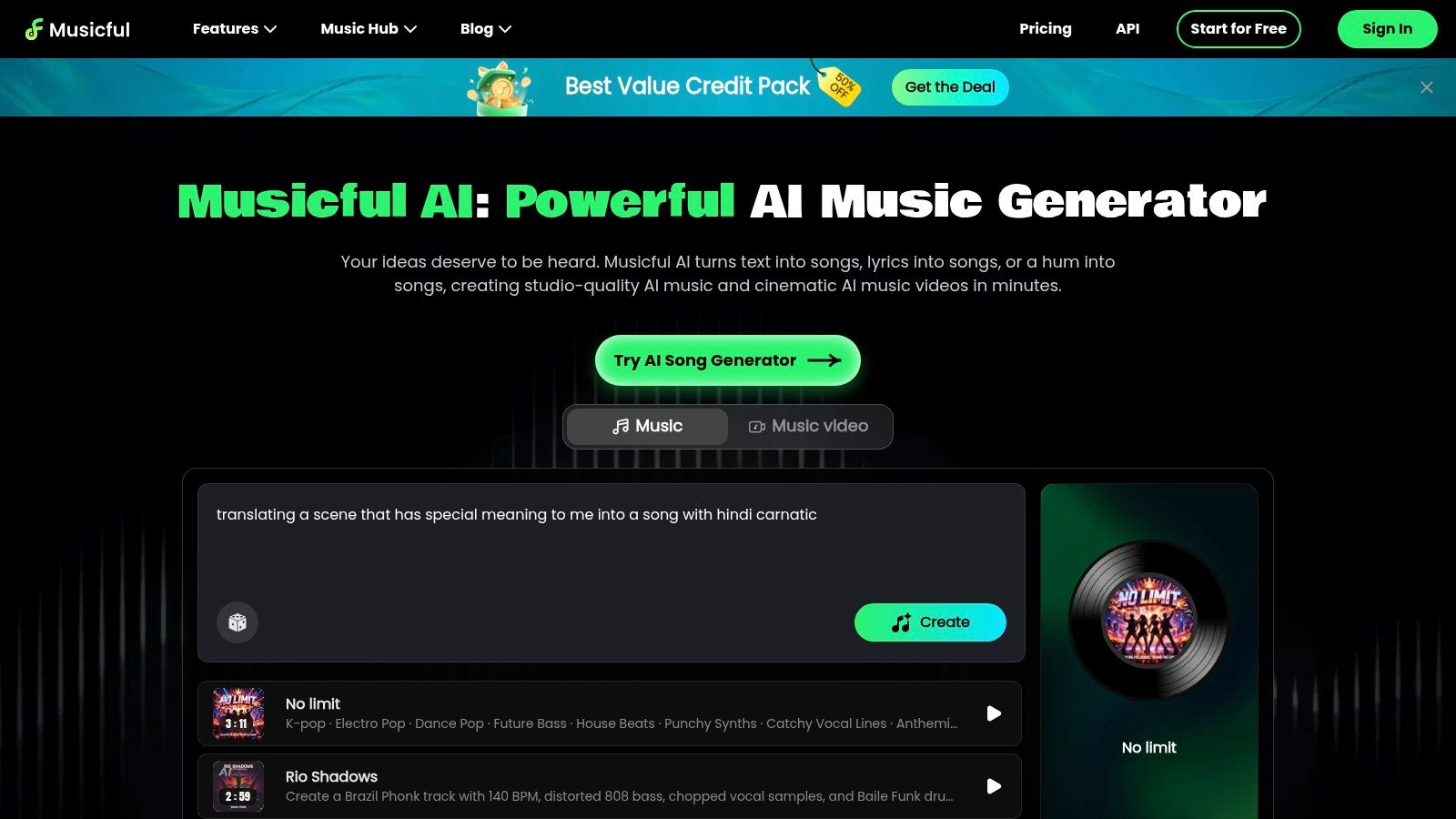
Musicful suits creators who want several music jobs in one browser service without going full production platform. It generates vocal and sung songs, and adds lyric generation, remix, extend, remaster and lyric-replacement tools, voice options and stem splitting. Eligible plans include WAV and MIDI downloads, and there's an AI music-video generator if you're making content for social release.
That breadth can reduce app switching. You can draft a song, replace lyrics, extend a section that ends too early, split stems for a quick remix and package it with video, all without exporting between services.
- Strength: More than basic prompt-to-song generation in a single subscription.
- Commercial point: Paid tiers include downloads and commercial-use features according to its pricing page.
- Check first: Credits and feature access vary by plan, so compare allowances with your expected monthly use.
The trade-off is simplicity. A broad toolbox is less focused than a dedicated generator, and you should review the licence and subscription renewal details before relying on it for commercial projects. If Suno feels too narrow but Vocuno's full pipeline is more than you need, Musicful sits in the middle.
Top 11 AI Music Generators Compared
The right choice depends on what you need to publish: a finished vocal song, editable composition, background score, or music generated through an API. This comparison highlights workflow, intended use and licensing checks for Australian creators.
| Platform | Best for | Core capabilities | Standout | Cost and rights |
|---|---|---|---|---|
| Vocuno | Artists wanting an end-to-end music workflow | Song and vocal generation, lyrics, voice tools, stems, audio-to-MIDI, distribution | Combines creation tools and streaming distribution in one workspace | Check current plans and licensing terms |
| Suno | Songwriters, hobbyists and creators | Full songs with or without vocals from prompts or lyrics | Quick song drafts; paid plans add editing and stems | Free daily credits; commercial use depends on plan and track date |
| ElevenLabs Music | Video and podcast creators; ElevenLabs users | Prompt-based music plus voice, sound effects and API tools | Connects music generation with wider audio and developer workflows | Free and paid tiers; shared credits and permissions vary |
| AIVA | Composers and media creators seeking music without vocals | More than 250 styles, track editing, MIDI and WAV options | MIDI exports support further DAW arrangement | Free use is non-commercial; monetisation depends on tier |
| Google Lyria | Developers and teams prototyping music features | Text- and image-prompted generation; clips up to 30 seconds, Pro compositions up to 3 minutes | Vertex AI API and multimodal prompting | Usage-based billing; check Australian availability |
| SOUNDRAW | Video creators needing background music; beatmakers | Adjustable music generation, downloads, WAV and stems on some plans | Separate creator and artist workflows | Tier limits vary; check the licence before streaming releases |
| Stable Audio | Sound designers and technically capable producers | Text and audio generation, extension, inpainting and API; outputs up to 6 minutes | Audio-to-audio tools and some downloadable models | Access and commercial rights vary by service and licence |
| Mubert | Creators needing background tracks; businesses integrating music | Prompt-based tracks, creator tools and API | Options for individual creators and business integrations | Free use is restricted; paid licensing and credits vary |
| Beatoven.ai | Video, podcast and game creators | Prompt-based background music, MP3 and WAV downloads, sound effects | Downloads include a project-use licence | Not for standalone streaming releases; check download allowances |
| Boomy | Beginners exploring quick music creation | Simple generation and editing; paid downloads and distribution | Easy to start, with less control for experienced producers | Free plan has no downloads or commercial use; paid terms apply |
| Musicful | Creators wanting several song tools in one service | Songs, lyrics, remixes, stems, WAV and MIDI downloads, music videos | Broad browser-based toolkit | Credits, features and commercial terms vary by plan |
Make the Practical Choice Before You Generate
Don't ask which tool sounds best in a demo. Ask which one lets you publish the thing you're making, in Australia, without a rights problem later. That question matters because trust is now central to adoption. The Productivity Commission evidence on AI and music licensing in Australia sits alongside APRA AMCOS findings that 82% of surveyed creators feared AI could undermine their ability to earn a living, while 96% demanded disclosure of copyrighted works used for training, 95% wanted rightsholder consent and 93% supported remuneration through licensing.
Here's the direct shortlist. Choose Vocuno for an end-to-end creation, refinement and distribution pipeline. Choose Suno or Musicful for rapid vocal-song concepts. Choose AIVA when MIDI and composition control matter more than vocals. Choose Beatoven.ai or SOUNDRAW for licensed project scoring, ElevenLabs Music for integrated voice, sound effects and music, and Stable Audio, Mubert or Google Lyria for API, self-hosted and business workflows. Pick Boomy only if you're a beginner who values simplicity over control.
Before you generate commercially, understand the Australian copyright position. As the Bell Senior guide to AI music copyright and APRA issues in Australia explains, there's no dedicated rule that automatically grants copyright in wholly AI-generated music, and no Australian court has yet determined copyright subsistence for a generative-AI song. A bare prompt may give you weak or no enforceable copyright. Substantial human songwriting, performance, arrangement or expressive editing gives you a stronger basis, so document your contribution with drafts, stems, prompt history and session files.
Disclosure is now a career issue too, not just good manners. Reporting on Australian chart rules requiring substantially human-made recordings and declaration of AI use notes wholly or largely AI-created tracks are excluded from chart eligibility, while AI-assisted recordings can remain eligible if they meet legal and human-contribution requirements. If you can't show what's human and what's generated, you may not be able to enter, license or defend the work.
Do these checks on every track, every time. Save the licence for your exact plan, confirm commercial permissions and ownership terms, verify your export format and download limits, and make sure generated vocals don't imitate a protected performer. Never assume a synchronisation licence lets you release a standalone streaming single. If an output reproduces a substantial part of existing copyright material, your infringement exposure doesn't disappear because an AI made it.
Pick one tool from the shortlist that matches your next release, not your wishlist. Open its pricing and licence pages today, save screenshots of the commercial terms for your plan, generate one test track, and document every human change you make to it. Then publish with records you can actually defend.